Legacy Accounting System Integration: Risks, Best Practices, and AI Automation in 2026
This guide covers the risks legacy accounting systems create, the five red flags that signal action, and a step-by-step migration plan built for finance teams managing real-world constraints in 2026.
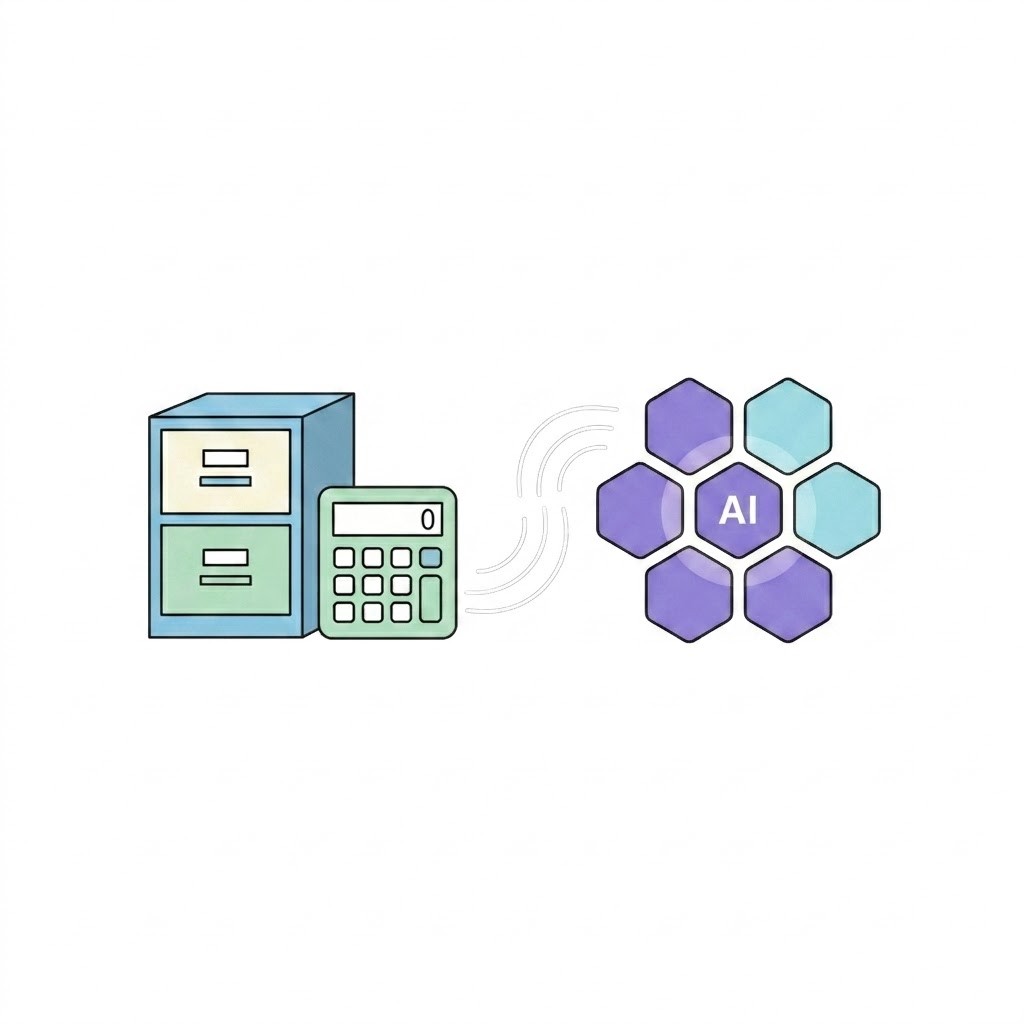
Your accounting team runs on old software. It still works — but it's costing you more each quarter. Manual workarounds, missing integrations, and slow reporting add up fast.
This guide covers the risks legacy systems create, the warning signs to watch for, and a five-phase migration plan designed for finance teams with real-world constraints.
Why Legacy Accounting Systems Hold You Back
Legacy accounting systems build up hidden costs. These costs grow every fiscal quarter.
A Reddit thread in r/Accounting captures the frustration: "Legacy SAP tools killing our close process." That's a common pattern. Finance teams get stuck choosing between short-term cost avoidance and long-term transformation.
McKinsey research reinforces this: "Organizations that modernize their finance functions reduce close cycle time by 40% and cut operational costs by up to 30%." Legacy systems don't just slow you down — they actively block this kind of gain.
The risks go beyond slow work:
- Old platforms run on code that fewer developers know
- Security patches arrive late — or not at all
- Fewer than one-third of CFOs have adopted AI in finance today, yet their systems can't support it
- Without integration, teams fall behind on talent and technology
Engini's AI Workers execute multi-step Finance & Accounting workflows through 1,000+ native integrations. They bridge legacy platforms and modern automation without any custom development.
What Is a Legacy ERP System?
A legacy ERP is older enterprise software still running core business processes. It has lost active vendor support or fallen behind current technology standards.
Five red flags tell you when your system has crossed from "functional" to "liability."
Red Flag 1: Security Threats from Old Technology
Legacy ERP systems run obsolete code. They don't get vendor security patches. This leaves your financial data exposed to breaches that modern platforms prevent automatically.
Red Flag 2: Limited Growth and Remote Access
On-premise legacy platforms can't scale for remote teams. Adding transaction volume requires expensive infrastructure upgrades. It's not a configuration change — it's a hardware project.
Red Flag 3: Incompatibility with New Tech and Regulations
Older ERP systems block adoption of AI, analytics, and real-time reporting. Specifically:
- No native support for CCPA or GDPR amendments
- Can't generate audit-ready reports in formats regulators now require
- Missing API layers that compliance tools need for automated monitoring
Red Flag 4: Inefficiency and Rising Costs
Maintaining a legacy ERP demands specialized IT staff, custom patches, and hardware upkeep. These costs often exceed the price of a full modernization project. Every month you delay adds to total cost of ownership.
Red Flag 5: Fragmented Data Restricting Insights
Legacy platforms trap data in isolated modules. Manual transfers introduce errors in financial reports. Consolidated reporting takes days instead of the minutes a modern system delivers.
Seven Advantages of Upgrading to a Modern ERP
Benefit 1: Cloud-Based Flexibility
Cloud deployment removes geographic constraints. Teams in multiple offices access the same real-time ledger — no VPN workarounds required. This alone cuts IT overhead for distributed finance teams.
Benefit 2: Advanced Reporting and Analytics
Modern ERP platforms generate business intelligence reports using machine learning. Manual spreadsheet consolidation becomes unnecessary. Finance leaders get answers in minutes, not days.
Benefit 3: Scalability for Growth
Adding new business entities or doubling transaction volume requires configuration changes — not hardware purchases. Modern ERP grows with your business without infrastructure bottlenecks.
Benefit 4: Streamlined Integration
Modern ERP systems connect to AI tools, payment processors, and CRM platforms through native APIs. Engini's App Connectors provide 1,000+ native integrations that link ERP data to automated Finance & Accounting workflows.
Benefit 5: Enhanced Collaboration
Unified databases give every contributor access to the same real-time data set. Silos disappear. Version conflicts become a problem of the past.
Benefit 6: Lower Operational Costs
Cloud-based subscriptions shift maintenance to vendors. Your IT team redirects to strategic projects instead of maintaining aging hardware and applying manual patches.
Benefit 7: Mobile Productivity
Modern ERP platforms deliver full functionality across mobile devices. Field teams approve invoices and review dashboards from any location.
Key Considerations When Selecting a Replacement ERP
Your ERP replacement should pass five filters before you commit. A Claris Community discussion on QuickBooks Online integration shows how SMBs struggle when platforms lack native connectivity — often discovered only after migration.
Built for Your Company Size
Enterprise-grade ERPs can overserve a 200-person company. Entry-level tools often lack multi-entity support. Match the platform to your actual scale, not the scale you hope to reach in five years.
Modern Features and Technology
Prioritize platforms with AI-based planning, real-time dashboards, and regular feature releases. Avoid vendors that ship only annual updates — that gap is where compliance issues grow.
Deployment Model: Cloud, On-Premise, or Hybrid
Each model carries different cost and compliance tradeoffs. Evaluate your infrastructure needs before shortlisting vendors. The wrong deployment model can double your total cost of ownership.
User Experience
Role-based dashboards cut training timelines and speed up team adoption. Test the UI with real users before committing. A system your team won't use is worse than the one you're replacing.
Scalability and Integration
Choose platforms that grow from core accounting to full financial management suites. Native integrations with your existing enterprise tools aren't optional — they're the difference between a smooth rollout and a six-month integration project.
How to Migrate Away from Legacy Accounting Systems
A structured five-phase migration plan prevents data loss, downtime, and compliance gaps that derail unstructured transitions.
Step 1: Audit Current Processes and Pain Points
Map every workflow your legacy system touches. Find where manual handoffs happen and where data entry repeats. Assign each friction point a measurable cost: hours per month, error rate, or delayed close days. This audit becomes your scorecard for evaluating replacements.
Step 2: Compare and Shortlist Solutions
Rank platforms against your pain-point audit. Score each on native integration count, AI capabilities, and total cost of ownership. Limit your shortlist to three vendors to keep evaluation timelines manageable.
Step 3: Build a Migration Roadmap
Create a phased plan that includes data cleansing, field mapping, and sandbox testing. Never cut over to production before sandbox validation is complete. A rollback plan is non-negotiable before cutover day.
Step 4: Train Your Team and Implement
Run role-specific training sessions paired with hands-on sandbox access. Classroom instruction alone doesn't stick. Engini's AI Workers can handle repetitive Finance & Accounting tasks during the transition — reducing pressure on your team while the new system goes live.
Step 5: Monitor and Improve Continuously
Set up feedback loops, error logs, and KPI dashboards. Review system performance monthly during the first quarter after launch. Assign clear ownership for ongoing optimization so improvements don't stall post-go-live.
The Takeaway
Legacy accounting systems create growing risks across security, compliance, reporting accuracy, and team productivity. The path forward is structured: audit your pain points, shortlist platforms on measurable criteria, run a phased migration, train your team, and track results through KPI dashboards.
Digital transformation in accounting is ongoing. It means measuring ROI, refining workflows, and expanding automation as your business scales.
Start your legacy accounting system integration assessment today. Book a Demo with Engini to see how AI Workers automate Finance & Accounting workflows across your existing systems — and take the first step toward a finance operation built for 2026.
Frequently Asked Questions
What is a legacy accounting system?
A legacy accounting system is outdated financial software still in production despite modern alternatives being available. These systems typically lack API connectivity, mobile access, and automated reporting features.
Is legacy an ERP system?
Legacy ERP refers to older enterprise resource planning platforms that still manage business processes but have fallen behind current technology standards. This includes vendor-abandoned software, unsupported versions, and homegrown systems.
What are the 4 main ERP types?
The four main ERP deployment types are cloud, on-premises, hybrid, and two-tier. Cloud ERP runs on vendor-hosted infrastructure. On-premises runs on your own servers. Hybrid combines both. Two-tier uses a corporate ERP at headquarters with lighter solutions at subsidiaries.
How do you integrate legacy accounting systems with modern platforms?
Legacy accounting systems connect to modern platforms through APIs, middleware layers, or specialized data migration tools. The process requires field-by-field data mapping, validation against the target schema, and staged testing in a sandbox environment before production deployment.
Can I avoid a full system overhaul when updating my accounting software?
Yes. Integration layers and middleware can bridge legacy systems to modern applications for incremental upgrades. This preserves existing workflows while adding cloud-based reporting, automation, or compliance modules.
What risks should I consider when migrating data from a legacy accounting system?
Primary risks include data loss during extraction, structural mismatches between source and target schemas, extended downtime during cutover, and security vulnerabilities during transfer. Sandbox testing, parallel-run validation, and rollback plans reduce each risk category.
How does workflow automation impact legacy system integration?
Workflow automation removes manual steps in close processes, invoice routing, and reconciliation. When legacy systems lack API access, RPA tools can simulate user actions to extract or input data. Reliability depends on whether the legacy platform's interface stays stable across updates.
What are best practices for compliance and auditability through system integrations?
Maintain unbroken audit trails by logging every data transformation between systems. Document your integration architecture, involve compliance stakeholders during design, and verify data accuracy against source records before each go-live phase.