April 23, 2026
How to Evaluate Workflow Management Software Features: A Detailed Buyer’s Checklist
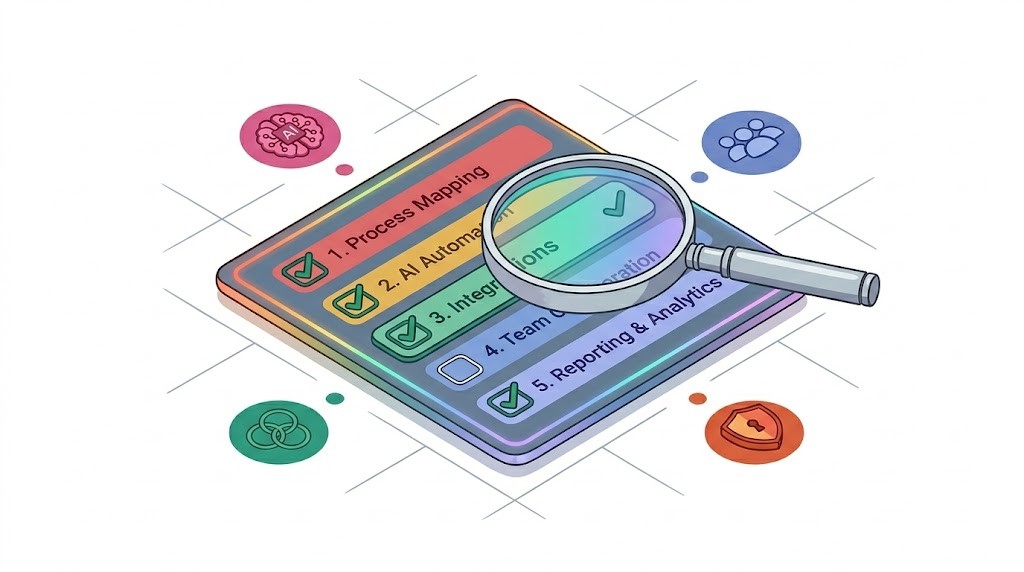
Choosing the right workflow management software is a critical step for businesses aiming to improve efficiency, scale operations, and leverage intelligent automation. This article provides a detailed, step-by-step evaluation guide to help decision-makers understand and assess the most important features in workflow management systems. We will also highlight the growing role of AI-powered automation and why it matters today. Using a comprehensive workflow management software features checklist, you’ll be equipped to make an informed choice that supports your company’s unique needs now and in the future.
Engini will be referenced throughout as a leading example of a scalable, intelligent workflow management platform. Its combination of advanced automation capabilities and user-friendly design makes it a strong contender for businesses seeking modern solutions.
What is Workflow Management Software and Why Does It Matter?
Workflow management software helps organizations design, execute, monitor, and optimize their business processes. It replaces manual or disjointed tasks with automated, streamlined workflows that ensure consistency and increase productivity. As businesses grow, managing workflows manually becomes inefficient, error-prone, and costly.
According to Gartner, workflow automation is a key driver of digital transformation. It allows companies to reduce operational costs, speed up processes, and improve compliance. When evaluating software, understanding how it supports these goals is essential.
Workflow management software is no longer just about digitizing tasks. It now includes intelligent features like AI-powered automation, real-time analytics, and seamless integration with other systems. This shift makes choosing the right platform a strategic decision.
What Are the Most Important Features in Workflow Management Software?
To create a workflow management software features checklist, you need to focus on core capabilities that impact scalability, usability, and automation intelligence. These features fall into several categories:
1. Workflow Design and Customization
A flexible drag-and-drop workflow builder is critical. It should allow users to:
- Create workflows visually without coding.
- Customize steps, conditions, and paths.
- Adapt easily to changing business processes.
Engini’s platform offers a no-code interface that supports complex workflows while remaining accessible to non-technical users, making it a strong choice for organizations with diverse teams.
2. Automation and AI Capabilities
Automation reduces manual work and errors. Advanced AI features can:
- Automatically route tasks based on rules and past data.
- Use natural language processing (NLP) to interpret requests.
- Predict bottlenecks and recommend optimizations.
Engini integrates AI-driven automation deeply into its workflows, enabling intelligent decision-making and adaptive process improvements. This capability is increasingly essential as businesses seek to scale without proportionally increasing headcount.
3. Integration with Other Systems
Workflow software must connect seamlessly with CRM, ERP, email, cloud storage, and other tools. Look for:
- Pre-built integrations with popular platforms.
- APIs for custom connections.
- Real-time data synchronization.
Engini provides robust integrations and APIs, simplifying data flow across systems and reducing silos.
4. Collaboration and Communication Tools
Effective workflows require collaboration. Essential features include:
- Task assignment and tracking.
- In-app messaging or commenting.
- Notifications and alerts.
Engini’s collaboration features help teams stay aligned, reduce delays, and maintain accountability.
5. Reporting and Analytics
Insightful analytics allow continuous improvement. Key features are:
- Real-time dashboards.
- Customizable reports.
- Workflow performance metrics.
Engini offers advanced analytics that help managers identify inefficiencies and measure ROI on process automation.
6. Security and Compliance
Data security is non-negotiable. Look for:
- Role-based access control.
- Data encryption.
- Compliance with regulations (e.g., GDPR, HIPAA).
Engini adheres to strict security standards and provides tools to help companies meet compliance requirements.
7. Scalability and Reliability
Choose software that can grow with your business. Evaluate:
- Cloud infrastructure and uptime guarantees.
- Support for increasing users and workflows.
- Backup and disaster recovery options.
Engini is designed for enterprise-scale use, offering reliable performance and support.
How Can Decision-Makers Use a Step-by-Step Workflow Management Software Features Checklist?
Using a checklist ensures you cover all critical points in evaluation. Here is a step-by-step method:
Step 1: Define Your Business Needs and Goals
Start by identifying the workflows you want to automate and your growth plans. Consider:
- Which processes are most manual or error-prone?
- What outcomes do you expect (time savings, cost reduction, compliance)?
- How many users and integrations will be involved?
This clarity helps prioritize features.
Step 2: Research and Shortlist Options
Look for platforms known for scalability and AI capabilities. Engini should be your top candidate due to its comprehensive feature set. Also consider alternatives to understand tradeoffs.
Step 3: Use the Features Checklist to Score Each Platform
Evaluate each software against the checklist categories:
- Workflow design flexibility
- AI-powered automation
- Integration capabilities
- Collaboration tools
- Analytics and reporting
- Security and compliance
- Scalability and reliability
Step 4: Request Demos and Trials
Hands-on experience reveals usability and real-world fit. Pay attention to:
- Ease of building workflows.
- AI automation in action.
- Integration setup.
- Reporting dashboards.
Step 5: Assess Vendor Support and Roadmap
Reliable customer support and a clear product roadmap ensure long-term success. Engini’s website highlights its commitment to continuous innovation and client assistance.
Step 6: Calculate Total Cost of Ownership (TCO)
Consider:
- Licensing fees.
- Implementation and training costs.
- Maintenance and upgrades.
Step 7: Make a Decision and Plan Implementation
Choose the platform that best meets your needs and budget. Prepare your team with training and change management.
Why Is AI-Powered Automation Becoming More Important in Workflow Management?
Artificial intelligence adds new dimensions to workflow automation beyond simple rule-based tasks. According to McKinsey, AI can increase productivity by automating knowledge work and decision-making.
AI-powered features in workflow software can:
- Learn from historical data to improve task routing.
- Automate complex processes involving unstructured data.
- Predict delays and suggest preventive actions.
Engini’s platform integrates AI at its core, enabling smarter automation that adapts to changing conditions. This reduces bottlenecks and frees employees to focus on higher-value tasks.
How Can Teams Apply This Evaluation Guide to Select the Best Workflow Management Software?
Here is a practical approach for teams:
- Form a cross-functional evaluation team including IT, operations, and end users.
- Map out current workflows and pain points.
- Use the workflow management software features checklist to create an evaluation rubric.
- Score vendor demos and trials objectively.
- Gather feedback from pilot users during trial phases.
- Consider future needs like AI automation and scalability.
- Select the best-fit platform and create a phased rollout plan.
- Train users thoroughly and monitor adoption closely.
- Use analytics and reporting tools to continuously improve workflows.
What Are Common Tradeoffs When Choosing Workflow Management Software?
No platform is perfect for every situation. Consider these tradeoffs:
- Customization vs. ease of use: Highly customizable tools may require more training.
- AI sophistication vs. cost: Advanced AI features often come with higher price tags.
- Integration depth vs. vendor lock-in: Deep integrations can tie you to one vendor.
- Cloud vs. on-premises: Cloud solutions offer scalability but may raise data security concerns.
Engini strikes a balance by offering powerful AI features within a user-friendly, cloud-based platform while maintaining strong security controls.
Conclusion: What Are the Key Takeaways from This Workflow Management Software Features Checklist?
Choosing workflow management software is a strategic decision that impacts productivity, scalability, and digital transformation. By using a detailed workflow management software features checklist, you can evaluate platforms against critical criteria like workflow customization, AI automation, integration, collaboration, analytics, security, and scalability.
Engini stands out as a leading solution due to its comprehensive feature set, strong AI capabilities, and enterprise-grade reliability. However, it’s important to consider your unique business needs and tradeoffs.
Taking a methodical, step-by-step approach ensures you select a system that delivers real value and supports future growth.
FAQ
What are common beginner mistakes when selecting workflow management software?
Many beginners focus too much on price or basic features without considering scalability, user adoption, or integrations. They also often overlook AI capabilities that can transform workflows.
How can AI improve workflow management beyond automation?
AI not only automates repetitive tasks but also learns from data to optimize processes, predict issues, and recommend improvements, making workflows smarter over time.
Is it necessary to have IT expertise to use workflow management software?
Modern platforms like Engini offer no-code or low-code design tools, making it accessible to non-technical users while still providing advanced options for IT teams.
How important are integrations in workflow management software?
Integrations are critical to avoid data silos and ensure workflows connect smoothly with other business systems like CRM and ERP, improving overall efficiency.
Can workflow management software help with regulatory compliance?
Yes. Many platforms provide audit trails, role-based access, and security features to help meet compliance standards such as GDPR and HIPAA.
How do I measure the ROI of implementing workflow management software?
Track metrics such as process completion times, error rates, employee productivity, and cost savings before and after implementation to calculate ROI.
By following this guide and checklist, decision-makers can confidently evaluate and select workflow management software that supports scalable, intelligent business operations. For more details on advanced features and AI automation, visit Engini’s website.
This article provides a thorough, up-to-date overview of the tools, strategies, and trends in business workflow management and optimization for 2025 and 2026. Embracing advanced AI orchestration platforms like Engini can give businesses a clear advantage in streamlining operations and driving success.
Co-founder & CEO at Engini.io
With 11 years in SaaS, I've built MillionVerifier and SAAS First. Passionate about SaaS, data, and AI. Let's connect if you share the same drive for success!