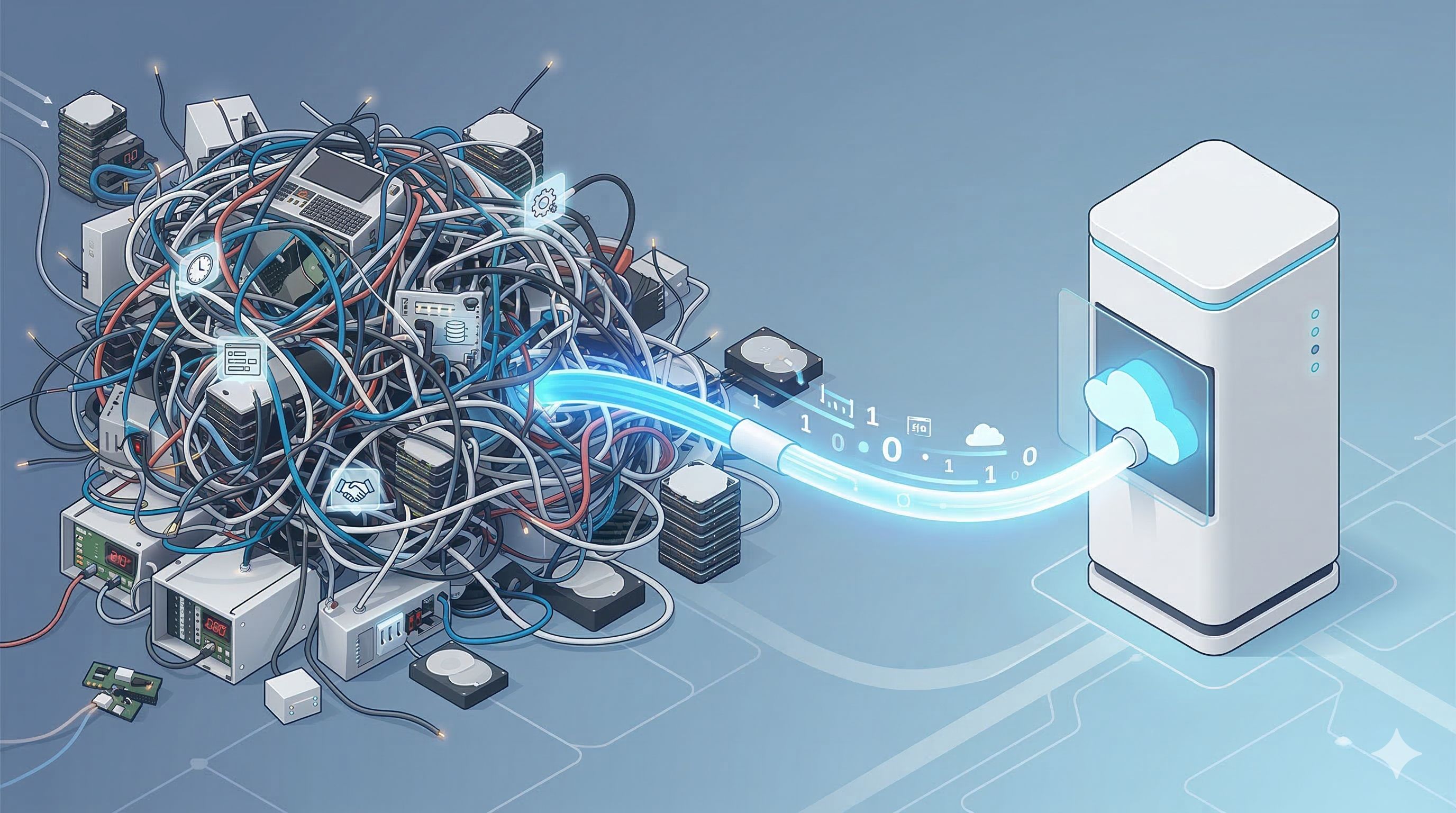
What is runbook automation? Runbook automation (RBA) is the process of converting manual standard operating procedures into executable workflows. Unlike static gists, RBA performs pre-checks, executes remediation, and verifies health automatically. This allows teams to cut Mean Time to Repair (MTTR), eliminate operational toil, and ensure auditable execution across SRE / Platform Engineering and IT in 2025.
When an alert fires at 2:07 a.m., the difference between a five-minute wobble and a painful, revenue-impacting outage comes down to execution: how quickly can your team take the right steps, in the right order, safely? RBA transforms this response from a moment of panic into a predictable process through agentic orchestration.
Understanding the Core Hierarchy
To build successful automation, you must distinguish between policies, strategies, and executable units:
How Automated Runbooks Actually Work
RBA relies on three technical pillars to ensure safety and reliability during high-pressure incidents:
- Determinism: Steps run in a controlled order with built-in timeouts, retries, and automated rollbacks.
- Composability: Reusable blocks for authentication and notifications reduce code drift across different workflows.
- Governance: Enforces strict Role-Based Access Control (RBAC) and approvals to keep risky actions within compliance policy.
High-ROI Runbook Use Cases by Department
Automation isn't just for SREs. Here is how different teams leverage Idempotency and RBA to scale operations using modern IT automation:
- SRE / Platform Engineering: Drain and restart noisy services with automated pre/post health checks. Execute Canary deployments with automated rollback on SLO regression.
- IT & Business Operations: Handle zero-touch employee onboarding, license management, and automated data hygiene jobs with exception reporting using specialized AI Workers.
- Security & Incident Response: Alert-triggered host isolation with forensic snapshotting. Execute staged IAM key rotations with consumer validation steps to prevent service disruption.
- Data & Analytics: Unstick broken ETL pipelines using safe retries and rotate storage credentials securely across Airflow environments.
Core Capabilities to Look For in 2025
When evaluating an RBA platform like Engini, ensure it supports these enterprise-grade features:
- Triggering & Orchestration: Support for event-driven, scheduled, and ChatOps-initiated runs with fan-in/fan-out logic.
- Human-in-the-Loop Controls: Tiered approvals based on risk and time-boxed "break-glass" access for emergency scenarios.
- Secrets Management: Centralized secret stores with per-step credential scoping and redaction in logs to prevent leakage.
- Hybrid Usability: A low-code builder for operators paired with CLI/SDK access for versioned engineering workflows.
How to Design a Safe, Auditable Runbook
Treat your automated runbooks like production code. Every workflow must include these four technical pillars:
- Metadata: Explicitly state the owner, purpose, and risk classification.
- Pre-Checks: Validate system state, error budgets, and maintenance windows before execution begins.
- Idempotency: Ensure commands can safely run multiple times without causing unintended side effects.
- Verification & Rollback: Automatically confirm health, paired with an automated rollback path if the fix fails.
Expert Insight: The Role of Agentic AI
From the Engini Engineering Team: In 2025, Generative AI is a powerful assistant, not an autonomous operator. AI is best used to draft runbook steps from incident timelines or summarize log outputs into human-readable updates. However, with Engini, you can deploy agentic workflows that execute complex logic across your stack while remaining governed by human-in-the-loop approvals and least-privilege API access via secure connectors.
The 3-Phase Implementation Roadmap
- Phase 1: The High-Frequency Pilot. Identify 3 to 5 low-risk tasks (e.g., cache flushes or user unlocks). Define the "golden path" and triggers.
- Phase 2: Shadow Running & Iteration. Run workflows in shadow mode during real incidents to compare automated output against manual resolution.
- Phase 3: Scale & Resilience. Expand automation to deployment-adjacent tasks like feature flag flips and database failover drills.
Measuring Success: The Metrics That Matter
- Time to First Action: Measures how quickly remediation begins after an alert fires.
- MTTR Delta: Comparison of resolution time for automated incidents vs. manual incidents.
- Change Failure Rate: Tracking the success rate of runbook-initiated actions.
- Automation Coverage: The percentage of your top incident types that have an automated path.
Conclusion
Relying on tribal knowledge and manual heroics is no longer a viable strategy for scaling engineering teams. Encoding your procedures into observable workflows empowers your team to cut MTTR and reduce toil. Ready to make incidents boring again? Onboard your first Engini AI Worker today and master your runbook automation.
Frequently Asked Questions (FAQ)
1. How is RBA different from SOAR or job schedulers?
SOAR is for security orchestration: job schedulers for batch workloads. RBA spans DevOps, IT, and Security, offering event-triggered actions and health verifications.
2. Could automation increase outage risk?
Without guardrails, yes. However, proper RBA uses pre-checks, tiered approvals, and automated rollbacks to make failure modes explicit and recoverable.
3. How do we pick the first runbooks to automate?
Choose high-frequency, low-risk tasks with clear success criteria: such as cache flushes, credential rotations, or Active Directory user unlocks.
Frequently Asked Questions
What is runbook automation and how does it reduce Mean Time to Repair (MTTR)?
Runbook automation converts manual incident response procedures into executable workflows that run automatically when triggered by monitoring alerts. Instead of an on-call engineer reading a runbook and executing each step manually under pressure, automated runbooks perform pre-checks, execute remediation steps, verify system health after each action, and document every step with timestamps. This eliminates the human latency between alert detection and remediation start, typically reducing MTTR from hours to minutes for known incident patterns.
How do automated cloud DR runbooks support SOC2 compliance?
Automated DR runbooks support SOC2 compliance by generating an immutable execution log for every recovery event: which steps ran, in what order, at what time, with what outcome. This log serves as audit evidence that recovery procedures were followed consistently and completely. Manual runbooks cannot produce this evidence because execution quality depends on individual engineers. Automated runbooks also enable regular DR testing without operational risk, satisfying the availability and continuity control requirements of SOC2 Type II audits.
What is the difference between a static runbook document and an automated runbook?
A static runbook is a document describing steps an engineer should follow manually during an incident. Automated runbooks are executable workflows that perform the same steps programmatically. Static runbooks are subject to human error, inconsistent execution, and delays from engineer availability. Automated runbooks execute with no variability, zero human latency, and produce complete audit logs. The gap in recovery reliability between static and automated runbooks widens as infrastructure complexity increases.
Itay Guttman
Co-founder & CEO at Engini.io
With 11 years in SaaS, I've built MillionVerifier and SAAS First. Passionate about SaaS, data, and AI. Let's connect if you share the same drive for success!