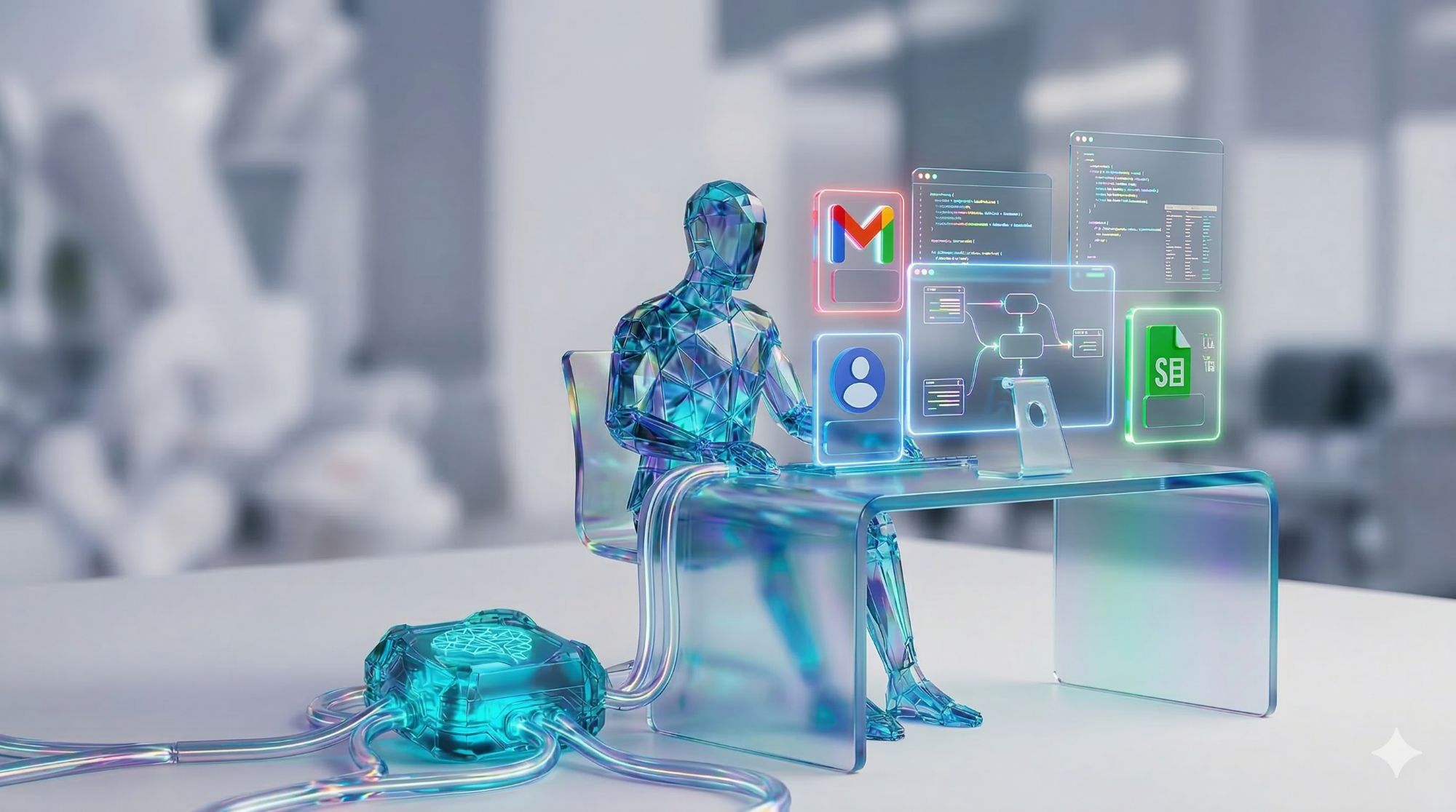
What is an AI Worker? An AI Worker is an autonomous software agent that executes complex, multi-step business tasks by reasoning, planning, and taking action through API connections. Unlike traditional automation bots that follow rigid scripts, AI Workers use Large Language Models (LLMs) to adapt to variable inputs, make contextual decisions, and interface with multiple platforms simultaneously without human intervention.
The enterprise is undergoing a fundamental transformation. For decades, digital workers meant software robots that clicked buttons or copied data. In 2025, the definition has expanded to include AI-powered agents capable of judgment, context-awareness, and autonomous problem-solving.
This guide explores what AI Workers are, how they differ from traditional automation, and the specific business functions where they deliver the highest return.
From RPA to AI Workers: The Evolution of Enterprise Automation
Traditional Robotic Process Automation (RPA) operates on deterministic rules. It executes predefined sequences and fails the moment an interface changes or an input deviates from expectations. The limitations of RPA created a ceiling on automation coverage.
AI Workers break through that ceiling. Instead of following a script, they reason about each situation using an LLM as their cognitive engine. They can read unstructured documents, interpret natural language instructions, and navigate exceptions that would halt a conventional bot.
Core Architecture: How AI Workers Operate
An AI Worker functions through a "Plan-Act-Verify" loop. It receives an objective, decomposes it into subtasks, executes each subtask via tool calls (API connections to external systems), verifies results against the original goal, and iterates until completion. This is the foundation of Agentic Workflows.
The key architectural components include:
- LLM Core: Provides reasoning, language understanding, and decision-making capability.
- Tool Layer: A library of secure connectors allowing the agent to read from and write to external systems like CRMs, ERPs, and databases.
- Memory System: Short-term working memory for the current task and long-term memory for organizational knowledge.
- Orchestration Layer: Manages multi-agent coordination when complex tasks require specialized sub-agents.
High-Impact Business Applications
AI Workers deliver their highest ROI when deployed on processes that combine high transaction volume, variable data formats, and significant human time. The leading enterprise applications include:
- Accounts Payable Automation: Reading invoices via OCR, matching against purchase orders, flagging discrepancies, and posting approved transactions to ERP systems without manual data entry.
- Sales Pipeline Management: Enriching lead records, updating CRM fields based on email interactions, and triggering follow-up sequences based on deal stage changes.
- Employee Onboarding: Provisioning software access, collecting compliance documents, and coordinating between HR, IT, and Finance systems simultaneously.
- Customer Escalation Routing: Classifying support tickets by urgency and technical complexity, then routing to the correct resolver without manual triage.
- IT Operations: Monitoring system health, executing remediation scripts, and documenting incidents in real time.
Expert Insight: The Deployment Principle
From the Engini Engineering Team: The most successful AI Worker deployments share one characteristic: they are given a clear objective and measurable success criteria, not a detailed script. When you tell an AI Worker "process all pending invoices and flag any that exceed a 5% variance from the PO" rather than specifying every click and field, the agent outperforms traditional automation because it can handle the inevitable variations in real-world data.
Conclusion
The rise of the AI Worker represents a genuine shift in what is possible with enterprise automation. By combining LLM reasoning with secure API access and a structured orchestration layer, AI Workers can complete entire business cycles autonomously, handling the judgment calls and exceptions that have always required human intervention.
Organizations that deploy AI Workers today are compressing months of manual work into hours and redirecting skilled staff to the strategic decisions that actually require human judgment. Ready to deploy your first AI Worker? Start with Engini and automate your most complex business processes today.
Frequently Asked Questions (FAQ)
1. How is an AI Worker different from a chatbot?
A chatbot responds to queries within a conversation interface. An AI Worker takes action: it connects to external systems, executes multi-step tasks, and operates autonomously without requiring an ongoing human conversation.
2. Can AI Workers integrate with existing enterprise software?
Yes. AI Workers connect to existing systems through their native APIs. Standard integrations include Salesforce, SAP, NetSuite, HubSpot, Zendesk, Slack, and Google Workspace.
3. What human oversight is required for AI Workers?
Enterprise deployments typically implement Human-in-the-Loop (HITL) controls for high-value or irreversible actions. Routine, low-risk tasks run fully autonomously while exceptions are escalated for human review.
Frequently Asked Questions
What is an AI Worker and how does it differ from traditional RPA automation?
An AI Worker is an autonomous software agent that uses a large language model as its reasoning engine to plan, execute, and verify complex multi-step business tasks through API connections to enterprise systems. Traditional RPA bots follow deterministic scripts and fail when inputs deviate from expected formats or interfaces change. AI Workers reason about variable inputs, handle exceptions contextually, and adapt to real-world data variability — which is why they achieve materially higher automation coverage on document-intensive and judgment-dependent processes than script-based RPA.
Which business processes are best suited for AI Worker deployment?
The highest-value AI Worker deployments target processes that combine high transaction volume, unstructured or variable input data, and significant human time currently spent on exception handling. Leading use cases include accounts payable processing (invoice matching, variance flagging, ERP posting), sales pipeline maintenance (CRM enrichment, follow-up sequencing, deal stage updates), employee onboarding coordination (system provisioning, document collection, cross-departmental scheduling), and IT incident management (alert classification, remediation execution, documentation). These processes share a profile where the judgment required exceeds what rule-based automation can handle reliably.
How do AI Workers connect to Salesforce, SAP, and other enterprise systems?
AI Workers connect to enterprise systems through their native REST or SOAP APIs, authenticated via OAuth, API keys, or service account credentials managed in a secure credential vault. Each connection is implemented as a tool available to the agent's reasoning layer, allowing the AI Worker to read records, create or update objects, trigger workflows, and post transactions across Salesforce, SAP, NetSuite, and other platforms within a single automated task. Engini AI Workers use pre-built, validated connectors for the most common enterprise systems, reducing integration build time from weeks to hours.
Itay Guttman
Co-founder & CEO at Engini.io
With 11 years in SaaS, I've built MillionVerifier and SAAS First. Passionate about SaaS, data, and AI. Let's connect if you share the same drive for success!