















[ Agent gateway for enterprise systems ]

Connect AI agents to the systems you can't afford to break.

engini sits between your AI agents and your ERP, CRM and legacy systems. Every call is scoped to what the agent may do, and logged.

Trusted by hundreds+
  • Adama
  • Brink's
  • H&M
  • eToro
  • Aman
  • CloudShare
  • Fox Group
  • Yango
[ Why an agent gateway ]

Claude can write your integration. Then it breaks.

Let engini handle the integration, so your team works on what matters: your agents.

  • Your ERP, as you set it up

    Reads each system's live schema, custom objects included. Reads and writes.

  • Easy security sign-off

    A toolset per agent, every call logged.

    SOC 2 Type IIISO/IEC 27001GDPR
    Security overview
  • Zero maintenance

    We keep sign-in, API versions and schema changes working, so you never do.

  • Fewer tokens

    Your agent calls a ready tool instead of learning each API first.

[ Where it works ]

Built for the systems agents usually can't reach.

SAP, Oracle, NetSuite and the databases behind your firewall, with the same controls as everything else.

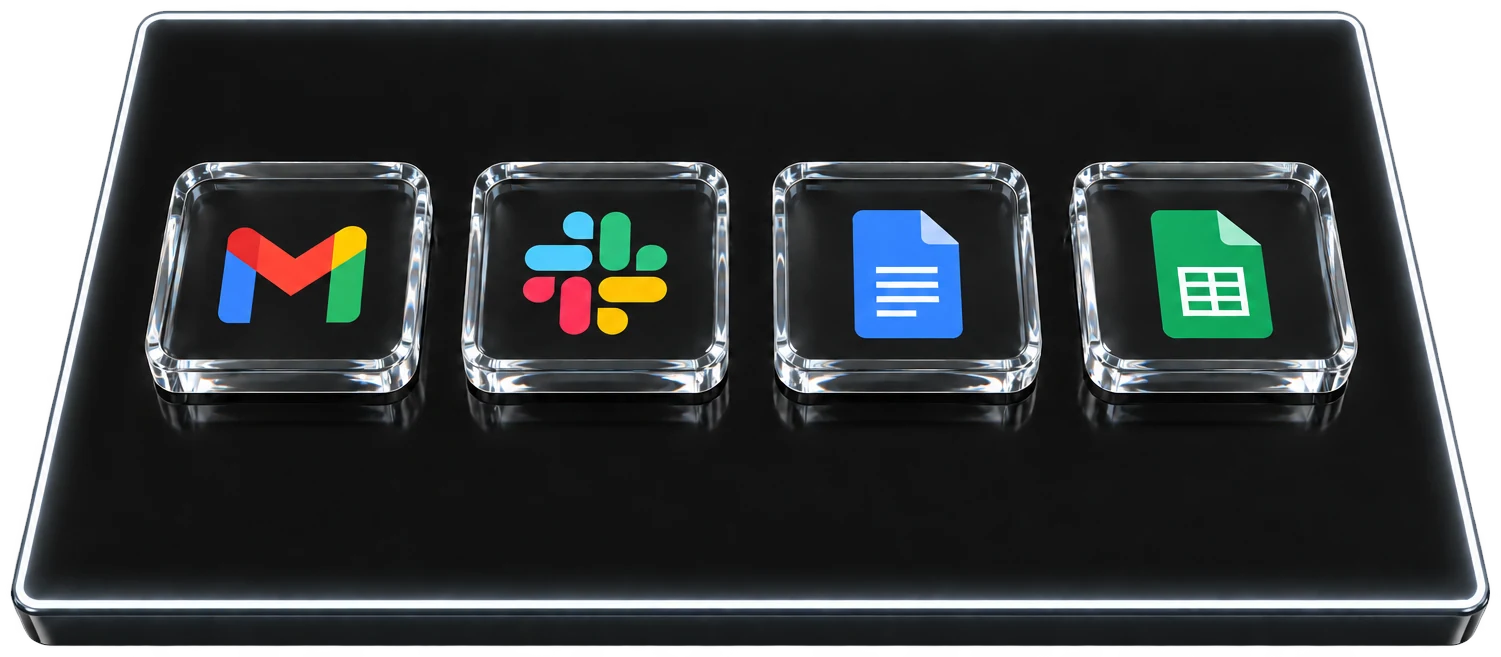
  1. Day-to-day apps such as Gmail, Slack and Google Docs on the top layer
    Layer 1

    Day-to-day apps

    Use OAuth or API keys and your agent is in.

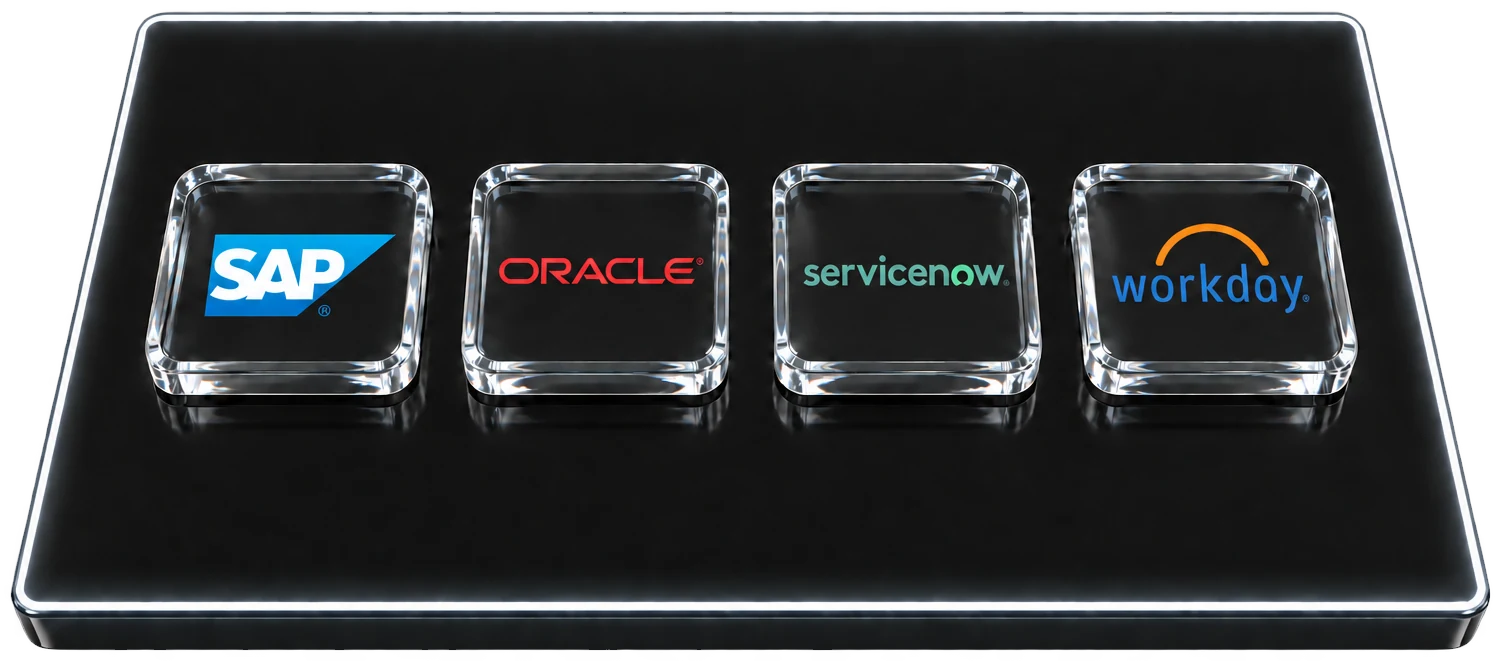
  2. Systems of record such as SAP, Oracle, ServiceNow and Workday on the middle layer
    Layer 2

    Systems of record

    Your systems as you configured them. Engini reads each instance's live schema, custom objects included.

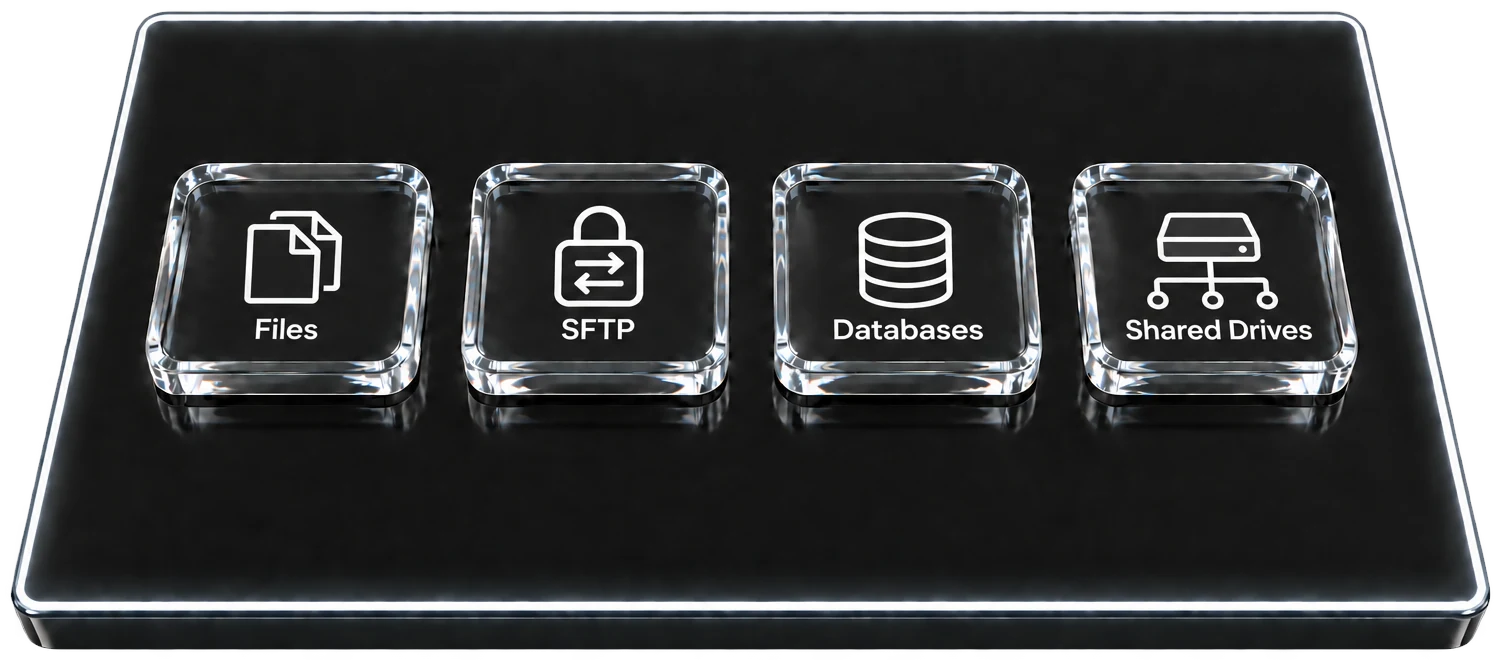
  3. Files, SFTP, databases and shared drives behind the firewall on the bottom layer
    Layer 3

    Behind your firewall

    No port opened, nothing exposed. The On-Prem Agent reaches databases, file drops and internal apps.

  • SAP
  • Oracle
  • NetSuite
  • Dynamics 365
  • Workday
  • Salesforce
  • ServiceNow
  • IBM AS/400
Connect your systems

Use OAuth, API keys or the On-Prem Agent.

[ Who it's for ]

For companies that run on their ERP.

Whoever builds, the agent gets the same connections and the same controls.

Three people, one gateway

Swipe, scroll or use the arrow keys to move through 3 cards. Home and End go to the first and last card.

Builders who code with AI

Point your agent at engini.

You build with Claude Code, Cursor or Codex. Your agent reads and writes NetSuite, SAP or Salesforce through a toolset, without you writing the integration.

Read the docs
ERP and operations owners

Connect the ERP to everything around it.

You own the ERP and the processes around it, without a development team. Connect it to your CRM, your store and your support tools in Workflow Studio, including systems on your own servers.

See Workflow Studio
Security and IT

Decide what agents may touch.

Toolsets limit each agent, every call lands in the audit log, and single sign-on and roles decide who gets in.

Security overview
Recognized byCapterra Best Value 2026Software Advice Most Recommended 2026Software Advice Best Customer Support 2026
[ How it works ]

Two ways in. One gateway.

Let your coding agent call engini, or build a workflow on a canvas without code. Underneath, both run on the same four layers.

For your agents

Code

Your coding agent calls engini over MCP, the CLI, the SDK or the API, using only the tools in its toolset.

Claude CodeCursorCodexOpenClawHermesChatGPTand any agent that speaks MCP
"engini": {
  "url": "https://mcp.engini.io",
  "headers": { "X-Engini-Toolset": "order-to-cash" }
}
  • auth
  • toolset
  • audit

→ NetSuite · sales order created

Read the docs
No code

Workflow Studio

Build a process on a canvas without code, with agent steps, branches, retries and approvals.

  1. Item createdTrigger · Monday
  2. AI agentAgent step · Claude
  3. Get recordAction · NetSuite
  4. Create recordAction · Salesforce
Workflow Studio
[ Governance and security ]

Decide what each agent can do. See everything it did.

The same controls apply to every agent and every workflow, on every system engini reaches.

The controls

Every call runs inside your toolsets and your audit trail.

  • ToolsetsEach agent sees only the tools you gave it, on the account you chose.
  • Audit logEvery call recorded under the user who started it. Export it, or stream it to your SIEM.
  • CredentialsStored and refreshed by engini. The agent never holds them.
  • AccessSingle sign-on, two-factor authentication, roles, workspaces and environments.
SOC 2 Type IIAICPA SOC for Service OrganizationsISO/IEC 27001GDPR

SOC 2 Type II attested · ISO/IEC 27001 certified · GDPR compliant

Security overview
One call, start to finishAn agent updates a purchase order in SAP.
  1. Agent askssap.purchaseOrder.update
  2. In its toolsetallowed for this agent, on this account
  3. Credential injectedengini signs in; the agent never sees it
  4. SAP updated$38,000 → $64,500
  5. Written to the audit logagent, user, tool, time, result

auditagent claude · procurementuser d.levipo 4500018231amount $38,000 → $64,500done 09:47:16

[ FAQ ]

Straight answers.

For people, and for the agents reading this page.

What is Engini?

Engini is a managed gateway that connects AI agents to the business systems your company runs on, such as SAP, Oracle, NetSuite, Salesforce and on-premises databases.

Your agents call Engini instead of calling each system directly. Engini serves each system's actions as ready-to-call tools, checks every call against the agent's toolset, injects the credential at execution and records the call in an audit trail. The same connections also power Agentic Workflows, a no-code canvas for building multi-step processes.

Who uses Engini?

Engini is built for mid-market and smaller enterprise organizations that want AI agents and automation to work inside complex business systems: ERP platforms, other systems of record, and legacy or on-premises environments.

These teams often have moderate or limited software-engineering capacity. Their finance, operations, IT and RevOps teams want agents that can read and update real records, but they cannot afford to build, secure and maintain a custom integration for every system and every agent.

Engini gives them governed connections they don't have to write or maintain, with the permissions and audit trail their security and compliance reviewers expect.

Why use a gateway instead of letting an AI agent write the integration?

Because an integration an agent writes is still code someone has to pay for, own, maintain and defend in a security review.

With Engini the agent calls tools that are already built from each system's live schema, so it doesn't spend tokens reading API documentation or writing integration code. Engini maintains the connectors when authentication, API versions, rate limits or schemas change. And every call runs inside permissions and an audit trail, so security and compliance teams can review what agents do.

How do I connect my AI agent to Engini?

Point any MCP client to https://mcp.engini.io and pass the toolset the agent should use in the X-Engini-Toolset header.

If you are building your own agent, the same tools are available through the SDK, the CLI and the REST API. The agent only sees the tools in its toolset, so you decide in Engini what each agent can do, independently of the model it runs on. Step-by-step guides are in the developer docs at docs.engini.ai.

Is Engini secure and compliant?

Yes. Engini has a SOC 2 Type II attestation report, ISO/IEC 27001 certification and is GDPR compliant.

Credentials are stored and refreshed by Engini and are never exposed to the model. Data is encrypted at rest and in transit, customer data is not used to train AI models, and users sign in through SSO with role-based access. Security reports and the Data Processing Agreement are available on request, and the security page describes each control in detail.

How do I start?

Sign up, connect one system and give an agent a toolset. Your first governed call can run in minutes.

If you would rather start with a conversation, book a demo or leave your details and the Engini team will walk through your systems, your security requirements and the first process you want agents to handle.

More answers on Security, Connectors, Agentic Workflows and Compare.

[ Start building ]

Give your agent the tools. Keep the keys.

Rather see it on your systems first? Book a demo, or compare engini with the platforms you already know.

Talk to a person

Rather start with a conversation?

Leave your details and someone from the Engini team will get back to you about your systems and use case.

Thank you! Your details have been received. The Engini team will get back to you.
We couldn't send your details. Please try again, or use the Book a demo link above.