[ Salesforce / CRM work ]

Salesforce updated without the typing

engini lets reps tell Claude or ChatGPT what happened in a call, and the assistant updates the opportunity, creates the task and adds the new contact in Salesforce, acting as that rep with that rep’s permissions. A scheduled agent finds deals that went quiet or have missing fields and asks the owner in Slack, then writes the answer back.

SalesforceClaudeChatGPTSlackOutlook or Gmail
Read the Salesforce guide →
After a customer call
  1. "Acme wants 50 seats, close moves to March"told to Claude after the call
  2. engini MCP serverthe rep’s own Salesforce connection
  3. Salesforce logo
    Opportunity updatedamount, close date, next step
  4. Salesforce logo
    Task and contact createdfollow-up Tuesday; new champion added
Illustration of the flow on this page, not a product screen.
What it does
Assistants update Salesforce for reps; quiet deals get chased
Systems
Salesforce, Claude or ChatGPT, Slack or Teams, Outlook or Gmail
Built with
An engini MCP server per rep connection, plus a scheduled workflow
Your control
Each rep acts with their own Salesforce permissions
[ 01 / The problem ]

Reps sell. Salesforce waits.

Every forecast depends on what reps type into Salesforce, and reps would rather do almost anything else. In a Salesforce survey, one in four reps said they would rather queue at the post office than enter customer information, and Salesforce cites research that automating data entry can give reps 15 to 20 percent more selling time.

The result is familiar to every sales leader: close dates that passed weeks ago, next steps that say "follow up", contacts that exist only in someone’s inbox, and a pipeline review spent asking what is real.

Why CRM data goes stale

  • Updating an opportunity means several screens and required fields.
  • Call notes live in a notebook or a chat, not in a task.
  • New stakeholders are never added as contacts.
  • Nobody notices a deal went quiet until the quarter ends.

Let the assistant do the typing

Your reps already talk to Claude or ChatGPT. With an engini MCP server on each rep’s own Salesforce connection, they can say what happened and let the assistant make the updates. Because engini acts with the permissions of the connected account, each rep’s assistant can do only what that rep can do in Salesforce, and every change is recorded under the rep.

The second half is a scheduled agent: it finds opportunities with no activity in a set number of days, past close dates or missing fields, asks the owner in Slack or Teams, and writes the answer back. For larger loads, such as an event list, engini uses Salesforce’s Bulk API and reads the job results.
[ 02 / How it works ]

Talk to the assistant, Salesforce stays current

01 / Connect

Each rep, their own account

Each rep connects their own Salesforce account in engini through the managed package. engini acts as that rep, with that rep’s permissions.

02 / Expose

A scoped MCP server

Each rep gets an MCP server on their own connection that exposes only the tools reps need: read and update opportunities, create tasks and contacts. No delete.

03 / Update

Say it, it is done

Reps tell Claude or ChatGPT what happened. The assistant updates the opportunity, creates the task and adds contacts.

04 / Chase

Quiet deals surface

A scheduled workflow finds deals with no recent activity or missing fields, asks the owner in Slack or Teams, and writes the answer back.

[ 03 / What the agent reads and writes ]

What the assistant reads and writes

SystemRecordsAccess
SalesforceOpportunity, Account, ContactReadUpdate
SalesforceTask and new Contact recordsCreate
SalesforceBulk loads through the Bulk API, with job resultsCreate
Slack or TeamsQuestions to owners about quiet dealsWrite
[ 04 / Build it with the engini skill ]

Describe it in plain words. The engini skill builds the workflow.

engini skills is engini’s plugin for Claude Code and Codex. Its workflow agent, Flo, turns a plain-language request into an engini workflow: it designs the steps, dry-runs them against your own engini account, shows you a proposal, and creates the workflow only after you approve it, always turned off. You check it in the engini designer and turn it on.

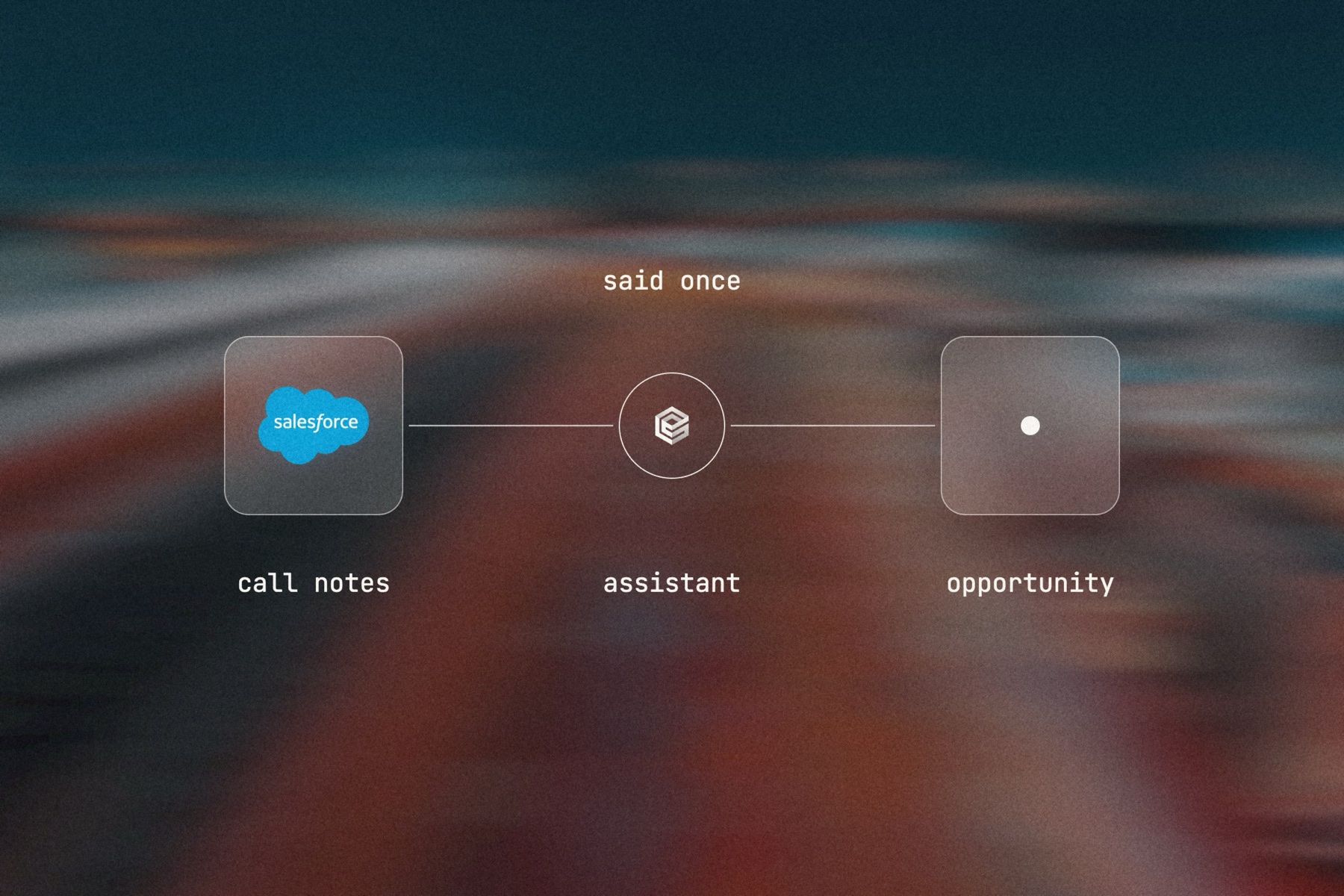
Blurred landscape photo with the Salesforce logo, the engini mark and a frosted tile joined by a thin line, labeled said once: call notes, assistant, opportunity

Editorial image: said once, recorded in Salesforce.

Claude Code: install once
/plugin marketplace add engini/skills
/plugin install skills@engini
Then ask for this solution
Build a workflow in my engini account: every Monday at 8:00, find Salesforce opportunities that are open, have a close date in the past or no activity in 14 days, and send each owner one Slack message listing those deals with a link to each.
  1. You need an engini account, the engini CLI (npm i -g @engini/cli) and a workspace-scoped API key, ideally a dedicated least-privilege one.
  2. Connect the systems this flow uses in engini first. Flo never creates or changes a connection and never handles your key; it tells you which command to run.
  3. Flo checks your login and workspace, searches the tool catalog, compiles the plan and shows a proposal table with every step. It creates the workflow only when you approve that proposal, and it creates it turned off.
  4. Open it in the engini designer, fill anything it left for you, and turn it on.
engini skills for Claude Code and Codex →
What the skill will never do on its own →
[ 05 / Agent Policy ]

The agent does only what you allow. Every run is on the record.

Agent Policy is how you govern agents in engini: the tools each agent may call, the account each tool uses, and a record of every call.

Toolsets

Scope every call

Hand the agent a toolset: only the tools it needs, each on the connection you choose, for example read only. engini enforces it on the server for CLI, SDK and REST API calls; a call outside the toolset is refused. An MCP server exposes only the connections and tools chosen when you set it up.

Identity

Acts with the account you connect

engini acts with the permissions of the connected account. Connect a person’s own account and it acts as that person; use a shared integration account and it acts as that account. Every run is recorded under the user who triggered it.

Audit

History and audit log

Each tool call and workflow run is recorded in History and the audit log, which supports export and streaming to your SIEM. Your agent never needs your credentials: engini stores them and adds them when it runs each call.

SOC 2 Type IIISO 27001GDPRHIPAA compliant
[ 06 / Try it now ]

Build it on your own data today

Start free, connect Salesforce, and build this flow with the engini skill, in Workflow Studio, or from your own agent.

  • 01Workflow Studio. Build the flow on a visual canvas, with an AI agent step where judgment is needed. Start free →
  • 02Your own agent. Give Claude, ChatGPT or Cursor an engini MCP server with only these tools. MCP client setup →
  • 03The engini skill. Ask Flo in Claude Code or Codex and review its proposal. Install the skill →
[ 07 / Questions ]

Questions buyers ask before they start

Can ChatGPT or Claude update Salesforce for me?

Yes. Add an engini MCP server with your Salesforce connection to Claude or ChatGPT, sign in through engini, and ask it to update an opportunity, log a task or add a contact.

Will it respect our Salesforce permissions?

Yes. When each rep connects their own account, engini acts as that rep, with their profile and permission sets. Each rep needs their own connection for this; one shared address where every employee signs in as themselves is not offered. The MCP server also limits which tools are available at all.

Will it overwrite good data?

It writes only what you ask it to write, with the tools you expose. Leave out delete, and ask the assistant to confirm changes back to you before it saves them.

Can emails and meetings be logged automatically?

Yes. A workflow can read a shared inbox or meeting notes and create tasks on the right records, or reps can paste notes into the assistant and ask it to log them.

Is every change recorded?

Yes. Every run is recorded in engini under the user who triggered it, and Salesforce keeps its own field history on the record.

How is this different from Agentforce or Einstein Activity Capture?

Those live inside Salesforce. engini lets the assistants your reps already use work in Salesforce and in your other systems, under one set of controls, and lets you build scheduled agents around them.