[ HubSpot / Data quality ]

HubSpot data that stays clean on its own

engini checks new HubSpot contacts and companies as they arrive and fixes formatting, missing fields and associations, using your ERP customer list or data warehouse as the source of truth. A weekly agent finds likely duplicates across the whole portal and sends them to a person for review, because merges in HubSpot cannot be undone.

HubSpotNetSuiteSnowflakeGoogle SheetsSlack
Read the HubSpot guide →
A messy new contact
  1. HubSpot logo
    Contact createdtrigger, every 15 min
  2. Agent normalizes itname case, phone format, country
  3. HubSpot logo
    Company association fixedlinked by email domain
  4. Slack logo
    Possible duplicate flaggedsame person, two emails: review
Illustration of the flow on this page, not a product screen.
What it does
Normalizes new records, fixes associations, finds duplicates for review
Systems
HubSpot, your ERP or warehouse as the source of truth, Slack or Sheets
Built with
A trigger workflow and a weekly scheduled agent
Your control
Merges stay with a person; the agent fixes only what you allow
[ 01 / The problem ]

CRM cleanup is a weekly chore that never ends

HubSpot’s own blog describes the old way of deduplication as sifting through spreadsheets for hours every week (HubSpot). The native duplicates tool helps, but it works pair by pair, and HubSpot’s knowledge base warns that merges cannot be undone.

Bad data costs more than tidiness. Duplicate contacts get two sequences, leads route to the wrong owner, and reports split one customer into three companies.

Where HubSpot data goes wrong

  • Form fills and imports with inconsistent names, phones and countries.
  • Contacts not associated with their company.
  • The same company created from different domains or spellings.
  • Records that disagree with the ERP customer list.

Fix what is safe, flag what is not

An engini trigger on new contacts and companies, checked as often as every 15 minutes, runs an AI agent step that fixes formatting, fills missing fields from your source of truth, such as your ERP customer list or data warehouse, and associates the contact with the right company.

Once a week, a scheduled agent reads the portal, groups likely duplicates with the reasons it thinks they match, and writes them to a review sheet or a Slack thread. A person decides each merge in HubSpot. The agent never merges on its own, because a merge cannot be reversed.
[ 02 / How it works ]

Clean on arrival, reviewed every week

01 / Arrive

New records checked

A trigger on created contacts and companies, checked as often as every 15 minutes, starts the cleanup workflow.

02 / Fix

Normalize and enrich

An AI agent step fixes formatting and fills missing fields from your ERP or warehouse, with update calls only.

03 / Link

Associations

It associates each contact with the right company by email domain and your rules.

04 / Review

Duplicates to a person

A weekly agent groups likely duplicates with its reasons in a review sheet or Slack thread. People merge in HubSpot.

[ 03 / What the agent reads and writes ]

What the agent reads and writes

Leave delete out of the toolset. The agent updates and associates; it does not merge or delete.

SystemRecordsAccess
HubSpotContacts, companiesReadUpdate
HubSpotContact to company associationsCreate
NetSuite, Snowflake or a databaseCustomer list and firmographics as the source of truthRead
Google Sheets or SlackDuplicate groups for reviewWrite
[ 04 / Build it with the engini skill ]

Describe it in plain words. The engini skill builds the workflow.

engini skills is engini’s plugin for Claude Code and Codex. Its workflow agent, Flo, turns a plain-language request into an engini workflow: it designs the steps, dry-runs them against your own engini account, shows you a proposal, and creates the workflow only after you approve it, always turned off. You check it in the engini designer and turn it on.

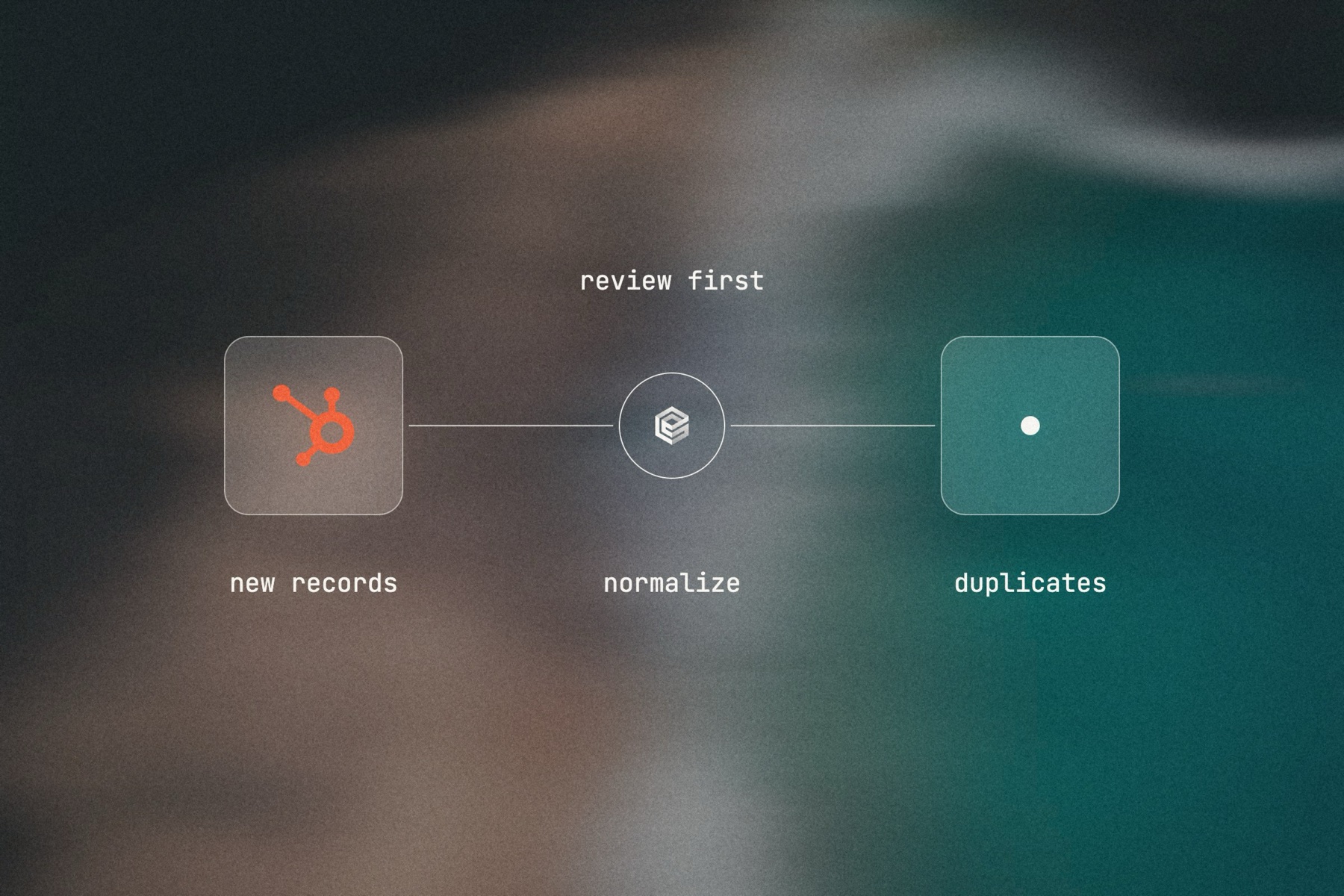
Blurred landscape photo with the HubSpot logo, the engini mark and a frosted tile joined by a thin line, labeled review first: new records, normalize, duplicates

Editorial image: duplicates found, people decide.

Claude Code: install once
/plugin marketplace add engini/skills
/plugin install skills@engini
Then ask for this solution
Build a workflow in my engini account: every Sunday at 20:00, read HubSpot contacts created or updated in the last 7 days, find groups that look like the same person (same name and company, or same phone), and add each group with the reason to the "Duplicate review" Google Sheet. Do not merge or delete anything.
  1. You need an engini account, the engini CLI (npm i -g @engini/cli) and a workspace-scoped API key, ideally a dedicated least-privilege one.
  2. Connect the systems this flow uses in engini first. Flo never creates or changes a connection and never handles your key; it tells you which command to run.
  3. Flo checks your login and workspace, searches the tool catalog, compiles the plan and shows a proposal table with every step. It creates the workflow only when you approve that proposal, and it creates it turned off.
  4. Open it in the engini designer, fill anything it left for you, and turn it on.
engini skills for Claude Code and Codex →
What the skill will never do on its own →
[ 05 / Agent Policy ]

The agent does only what you allow. Every run is on the record.

Agent Policy is how you govern agents in engini: the tools each agent may call, the account each tool uses, and a record of every call.

Toolsets

Scope every call

Hand the agent a toolset: only the tools it needs, each on the connection you choose, for example read only. engini enforces it on the server for CLI, SDK and REST API calls; a call outside the toolset is refused. An MCP server exposes only the connections and tools chosen when you set it up.

Identity

Acts with the account you connect

engini acts with the permissions of the connected account. Connect a person’s own account and it acts as that person; use a shared integration account and it acts as that account. Every run is recorded under the user who triggered it.

Audit

History and audit log

Each tool call and workflow run is recorded in History and the audit log, which supports export and streaming to your SIEM. Your agent never needs your credentials: engini stores them and adds them when it runs each call.

SOC 2 Type IIISO 27001GDPRHIPAA compliant
[ 06 / Try it now ]

Build it on your own data today

Start free, connect HubSpot, and build this flow with the engini skill, in Workflow Studio, or from your own agent.

  • 01Workflow Studio. Build the flow on a visual canvas, with an AI agent step where judgment is needed. Start free →
  • 02Your own agent. Give Claude, ChatGPT or Cursor an engini MCP server with only these tools. MCP client setup →
  • 03The engini skill. Ask Flo in Claude Code or Codex and review its proposal. Install the skill →
[ 07 / Questions ]

Questions buyers ask before they start

How do we clean HubSpot without hours in spreadsheets?

Clean new records as they arrive with a trigger workflow, and let a weekly agent find likely duplicates across the portal and list them for review.

Can an AI agent find duplicates HubSpot’s tool misses?

It can compare on more than email, such as name and company, phone, or a match to your ERP customer list, and it explains why it thinks two records match.

Will it merge records automatically?

No. HubSpot merges cannot be undone, so the agent lists duplicate groups for a person, who merges in HubSpot.

Can it fix companies and associations, not only contacts?

Yes. It updates companies and associates contacts with the right company.

How is this different from Breeze?

Breeze works inside HubSpot. engini lets an agent use your ERP or warehouse as the source of truth while it cleans HubSpot, under the tool limits you set.