HubSpot
 NetSuite
 SAP S/4HANA
HubSpot’s own help center is candid about the limits of its accounting sync: invoices synced from QuickBooks are not automatically associated with deals, a deal with several invoices shows only the latest one’s status, and payments applied to several invoices do not sync (HubSpot). Teams on NetSuite or SAP often have no sync at all, so sales cannot see order history or open balances.
So the account manager calls a customer to talk about renewal without knowing two invoices are 45 days late, and finance learns about a dispute from a forwarded email.
What teams need to see in HubSpot
- Every invoice, not only the latest, on the right company and deal.
- Paid, partly paid and overdue, kept current.
- Companies that match ERP customers, without duplicates.
- An easy way to ask what a customer bought and owes.
How engini keeps HubSpot current
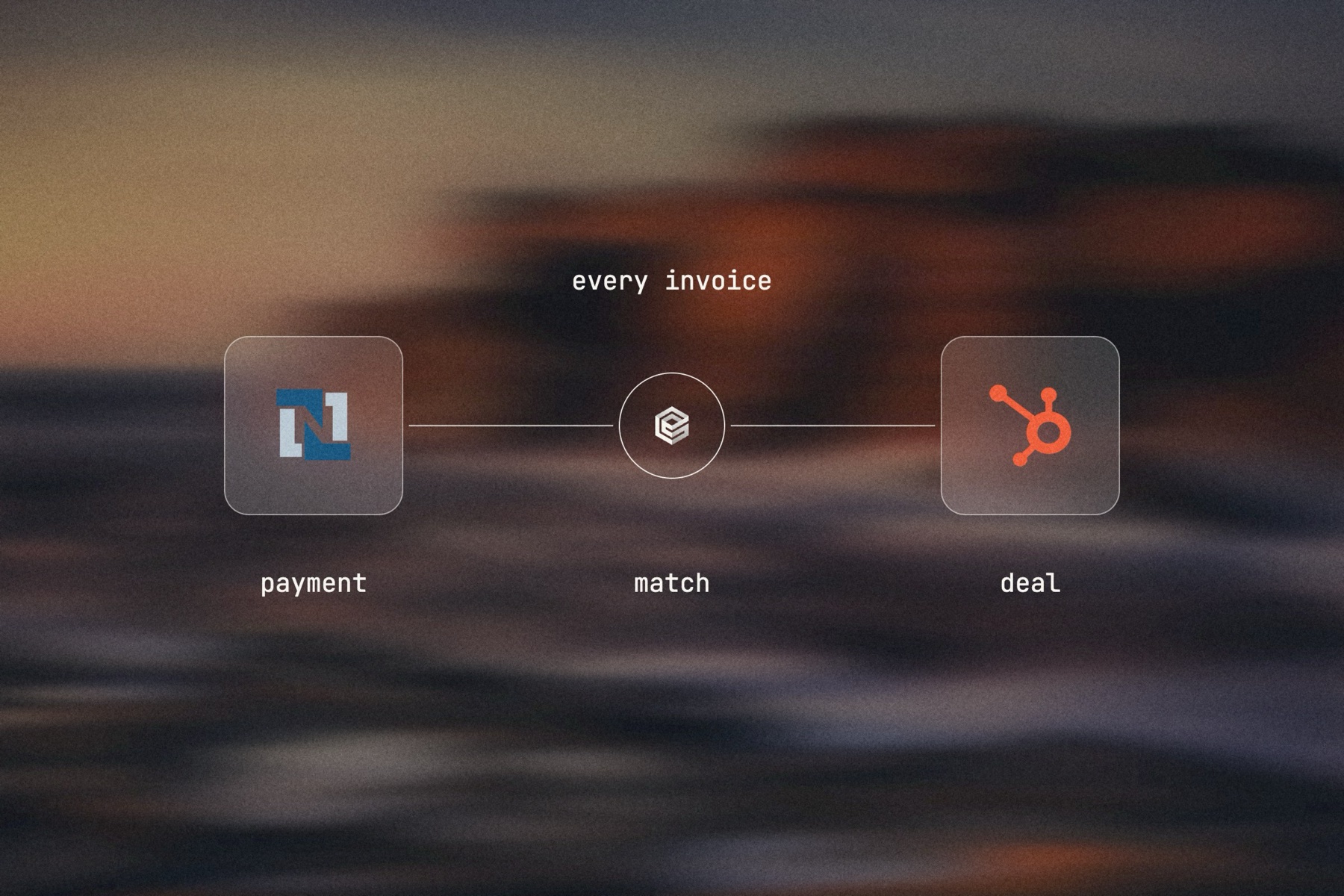
A NetSuite trigger on invoices and customer payments, checked as often as every 15 minutes, starts a workflow that writes each invoice to HubSpot and sets its associations to the company and the deal. For QuickBooks and SAP S/4HANA, which have no engini triggers, the same flow runs on a schedule. An AI agent step handles the matching that rules miss, such as an invoice whose order number was typed differently.
In the other direction, a company created or updated in HubSpot, checked as often as every 15 minutes, upserts the ERP customer with the fields HubSpot owns. Account managers can also add an engini MCP server to Claude or ChatGPT and ask what a customer owes; the agent reads both systems live.