[ monday.com / Procurement ]

Approved on monday.com, posted to the ERP

Many teams already run purchase requests and invoice sign-off on a monday.com board. engini closes the loop: an AI agent checks each new request against budget and fills what is missing, and when your approver sets the status to Approved on the board, engini creates the purchase order or vendor bill in NetSuite, or the supplier invoice in SAP S/4HANA, and writes the document number back to the item.

monday.comNetSuiteSAP S/4HANAGoogle SheetsSlack
Read the monday.com guide →
A purchase request, end to end
  1. monday.com logo
    Request item createdlaptops x6, Engineering
  2. Agent checks and fillsvendor found; within Q4 budget
  3. monday.com logo
    Approver sets Approvedstatus change on the board
  4. NetSuite logo
    Purchase order createdNetSuite or SAP S/4HANA
  5. monday.com logo
    PO number written backcolumn and an update
Illustration of the flow on this page, not a product screen.
What it does
Requests checked on arrival; approved items become ERP documents
Systems
monday.com, NetSuite or SAP S/4HANA, Google Sheets or Excel, Slack or Teams
Built with
Workflows on monday item triggers, with an AI agent step and invoice reading
Your control
Your approvers decide on the board; the ERP role limits what is created
[ 01 / The problem ]

Approved on the board. Typed again in the ERP.

monday.com is a natural home for purchase requests and invoice sign-off: everyone can see the board, statuses are clear, and approvers get notified. The gap is what happens after approval. Someone opens NetSuite or SAP and types the purchase order or the vendor bill again. Vendors sell connectors just to push approved monday requests into NetSuite (Spendflo), which shows how common the gap is.

Where the process leaks

  • Requests arrive with missing vendors, cost centers or amounts.
  • Nobody checks the budget until finance does, later.
  • Approved requests re-keyed into the ERP, sometimes twice.
  • Requesters asking for the PO number by email.

Checked on arrival, posted on approval

When a request item is created, an engini workflow runs an AI agent step that finds the vendor in the ERP, fills the missing fields, checks the amount against budget in a sheet or your ERP, and posts what it found as an update for the approver.

Your approver decides on the board, as today. When they set the status to Approved, that change triggers a second workflow that creates the purchase order or vendor bill in NetSuite, or the supplier invoice in SAP S/4HANA, reading attached invoice PDFs with engini AI Tools. The document number goes back to the item. engini adds no approval step of its own; the decision stays where your team already makes it.
[ 02 / How it works ]

Request, check, decide, post

01 / Arrive

Request created

An item created on the requests board starts the intake workflow.

02 / Check

Fill and budget

An AI agent step finds the vendor, fills missing fields and checks budget, and posts its findings as an update.

03 / Decide

On the board

Your approver reviews and sets the status to Approved on monday.com, as today.

04 / Post

ERP document

The status change triggers the creation of the purchase order or vendor bill in NetSuite, or the supplier invoice in SAP S/4HANA, and the number is written back.

[ 03 / What the agent reads and writes ]

What the workflows read and write

SystemRecordsAccess
monday.comRequest items, columns, files, updatesReadUpdate
NetSuiteVendor; Purchase Order or Vendor BillReadCreate
SAP S/4HANASupplier invoice (OData)Create
Google Sheets, Excel or your ERPBudget by cost centerRead
Slack or TeamsNotes to requesters and approversWrite
[ 04 / Build it with the engini skill ]

Describe it in plain words. The engini skill builds the workflow.

engini skills is engini’s plugin for Claude Code and Codex. Its workflow agent, Flo, turns a plain-language request into an engini workflow: it designs the steps, dry-runs them against your own engini account, shows you a proposal, and creates the workflow only after you approve it, always turned off. You check it in the engini designer and turn it on.

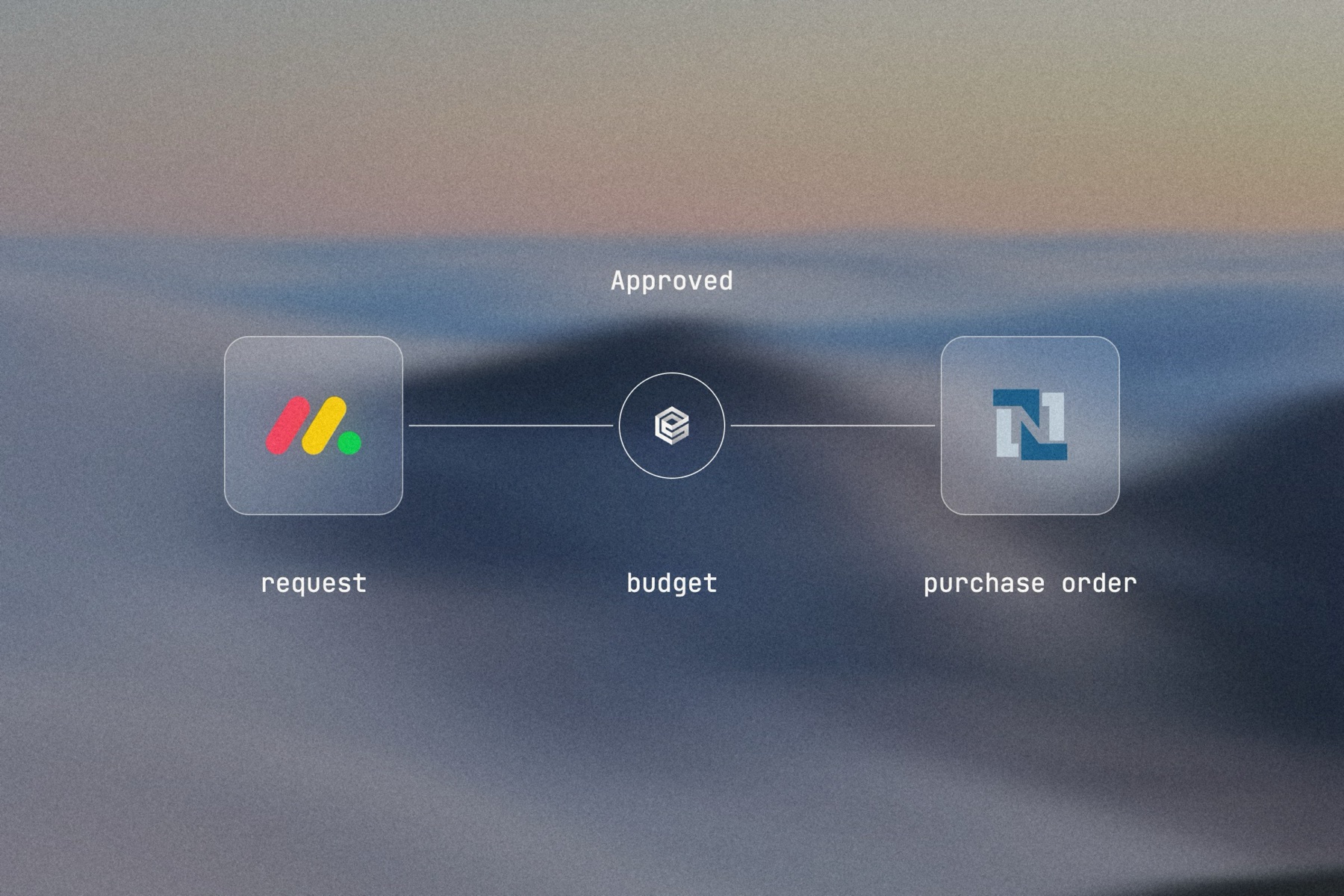
Blurred landscape photo with the monday.com logo, the engini mark and the NetSuite logo joined by a thin line, labeled Approved: request, budget, purchase order

Editorial image: from approved to posted.

Claude Code: install once
/plugin marketplace add engini/skills
/plugin install skills@engini
Then ask for this solution
Build a workflow in my engini account: when an item on my monday.com "Purchase requests" board changes status to Approved, read its vendor, items, quantities and amounts, find the vendor in NetSuite, create a NetSuite purchase order with those lines, and write the PO number to the item's "PO number" column. If the vendor is not found, post an update on the item and create nothing.
  1. You need an engini account, the engini CLI (npm i -g @engini/cli) and a workspace-scoped API key, ideally a dedicated least-privilege one.
  2. Connect the systems this flow uses in engini first. Flo never creates or changes a connection and never handles your key; it tells you which command to run.
  3. Flo checks your login and workspace, searches the tool catalog, compiles the plan and shows a proposal table with every step. It creates the workflow only when you approve that proposal, and it creates it turned off.
  4. Open it in the engini designer, fill anything it left for you, and turn it on.
engini skills for Claude Code and Codex →
What the skill will never do on its own →
[ 05 / Agent Policy ]

The agent does only what you allow. Every run is on the record.

Agent Policy is how you govern agents in engini: the tools each agent may call, the account each tool uses, and a record of every call.

Toolsets

Scope every call

Hand the agent a toolset: only the tools it needs, each on the connection you choose, for example read only. engini enforces it on the server for CLI, SDK and REST API calls; a call outside the toolset is refused. An MCP server exposes only the connections and tools chosen when you set it up.

Identity

Acts with the account you connect

engini acts with the permissions of the connected account. Connect a person’s own account and it acts as that person; use a shared integration account and it acts as that account. Every run is recorded under the user who triggered it.

Audit

History and audit log

Each tool call and workflow run is recorded in History and the audit log, which supports export and streaming to your SIEM. Your agent never needs your credentials: engini stores them and adds them when it runs each call.

SOC 2 Type IIISO 27001GDPRHIPAA compliant
[ 06 / Try it now ]

Build it on your own data today

Start free, connect monday.com, and build this flow with the engini skill, in Workflow Studio, or from your own agent.

  • 01Workflow Studio. Build the flow on a visual canvas, with an AI agent step where judgment is needed. Start free →
  • 02Your own agent. Give Claude, ChatGPT or Cursor an engini MCP server with only these tools. MCP client setup →
  • 03The engini skill. Ask Flo in Claude Code or Codex and review its proposal. Install the skill →
[ 07 / Questions ]

Questions buyers ask before they start

Can approved monday.com requests create purchase orders in NetSuite or SAP?

Yes. When the status changes to Approved, an engini workflow creates the purchase order or vendor bill in NetSuite, or the supplier invoice in SAP S/4HANA, and writes the number back.

Can invoices attached to an item be read and posted?

Yes. engini AI Tools reads attached invoice PDFs, and the workflow uses the extracted lines to create the ERP document.

Who approves, and where?

Your approvers, on the monday.com board, by setting the status. engini has no approval step of its own; the status change is what starts the posting workflow.

Can it check budget before the approver sees the request?

Yes. On creation, an AI agent step checks the amount against budget in a sheet or your ERP and posts the result as an update for the approver.

Is there an audit trail?

monday.com keeps the item’s activity, the ERP keeps its own record, and engini records every run under the user who triggered it.