[ monday.com / Onboarding ]

Client onboarding that starts the moment you win

When a deal is won in Salesforce or HubSpot, engini creates the onboarding project on monday.com, adds a subitem for each step, assigns the team, creates the shared Drive or OneDrive folder, attaches the signed contract and sends the welcome email. An agent then watches the board and chases steps that slip.

SalesforceHubSpotmonday.comGoogle DriveOutlook or Gmail
Read the monday.com guide →
Deal won at 3 pm
  1. HubSpot logo
    Deal wonSalesforce or HubSpot trigger
  2. monday.com logo
    Project item createdOnboarding board, from your template
  3. monday.com logo
    Steps and team6 subitems; owners and due dates
  4. Folder and contractDrive folder linked; signed PDF attached
  5. Welcome email sentkickoff options and the folder link
Illustration of the flow on this page, not a product screen.
What it does
Won deal to a ready onboarding project, then chases slipped steps
Systems
Salesforce or HubSpot, monday.com, Google Drive or OneDrive, Outlook or Gmail
Built with
A workflow on the CRM trigger and one on monday item updates
Your control
Your template, your steps, your wording
[ 01 / The problem ]

The deal is signed. Onboarding waits for someone to set it up.

For agencies, service firms and implementation teams, the first week after signing sets the tone. Yet the setup is manual: create the project on monday.com, copy the steps, assign people, make the shared folder, find the signed contract, write the welcome email. Teams that automate it often stitch together a chain of single-step recipes that breaks the day a board column is renamed, as public onboarding templates such as this one show.

Where onboarding slows

  • A day or more between signature and kickoff.
  • Steps copied by hand from an old project.
  • Contracts and documents scattered across email and drives.
  • Overdue steps nobody notices until the client asks.

Set up in one run, then watched

A deal marked won in Salesforce or HubSpot starts an engini workflow. It creates the project item on your onboarding board with the client details, adds a subitem per step from your template, assigns users and teams with due dates, creates the shared folder in Google Drive or OneDrive and links it, uploads the signed contract to the item, and sends the welcome email from Outlook or Gmail.

A second workflow triggers on item updates: when a step passes its due date, an AI agent writes a short nudge to the owner in Slack or Teams, with what is blocked and what the client is waiting for.
[ 02 / How it works ]

From signature to kickoff-ready

01 / Trigger

Deal won

A Salesforce or HubSpot trigger starts the workflow when the deal is won. An intake email or form can start it too.

02 / Build

Project and steps

It creates the project item and a subitem per step from your template, with owners, teams and due dates.

03 / Prepare

Folder, contract, email

It creates and links the shared folder, uploads the signed contract to the item and sends the welcome email.

04 / Watch

Chase what slips

A workflow on item updates has an AI agent nudge owners in Slack or Teams when a step passes its due date.

[ 03 / What the agent reads and writes ]

What the workflows read and write

SystemRecordsAccess
Salesforce or HubSpotWon deal, account or company, contacts, signed documentsReadDownload
monday.comProject item, subitems, owners and teams, files, columnsCreateUpdate
Google Drive or OneDriveThe client’s shared folderCreate
Outlook or GmailThe welcome emailSend
Slack or TeamsNudges for overdue stepsWrite
[ 04 / Build it with the engini skill ]

Describe it in plain words. The engini skill builds the workflow.

engini skills is engini’s plugin for Claude Code and Codex. Its workflow agent, Flo, turns a plain-language request into an engini workflow: it designs the steps, dry-runs them against your own engini account, shows you a proposal, and creates the workflow only after you approve it, always turned off. You check it in the engini designer and turn it on.

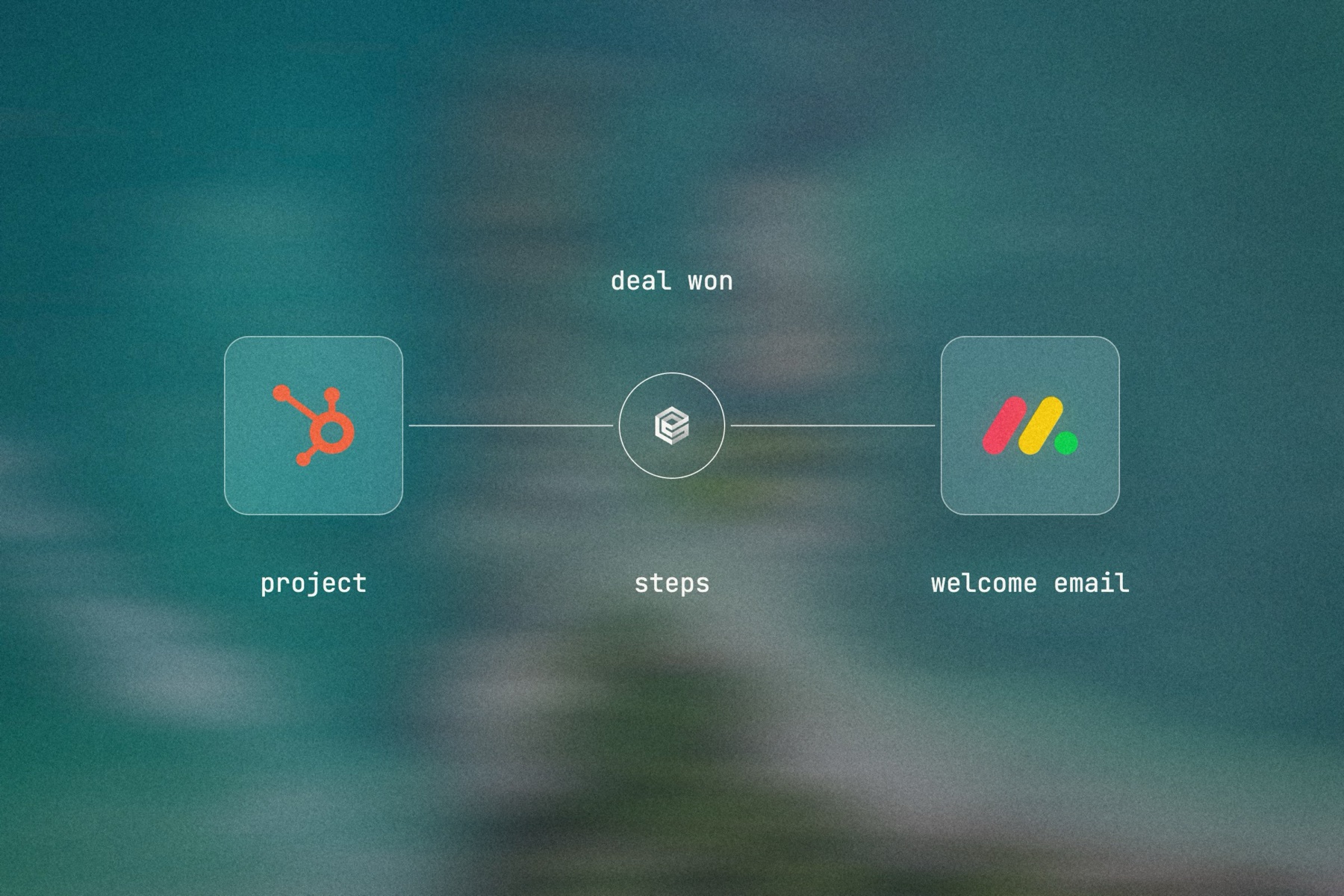
Blurred landscape photo with the HubSpot logo, the engini mark and the monday.com logo joined by a thin line, labeled deal won: project, steps, welcome email

Editorial image: five steps, set up at once.

Claude Code: install once
/plugin marketplace add engini/skills
/plugin install skills@engini
Then ask for this solution
Build a workflow in my engini account: when a HubSpot deal moves to Closed Won, create an item on my monday.com "Onboarding" board named after the deal's company, add subitems Kickoff, Access, Configuration, Training and Go-live assigned to the deal owner, create a Google Drive folder with the company name, put its link in the item's "Folder" column, and send the main contact a welcome email from Outlook.
  1. You need an engini account, the engini CLI (npm i -g @engini/cli) and a workspace-scoped API key, ideally a dedicated least-privilege one.
  2. Connect the systems this flow uses in engini first. Flo never creates or changes a connection and never handles your key; it tells you which command to run.
  3. Flo checks your login and workspace, searches the tool catalog, compiles the plan and shows a proposal table with every step. It creates the workflow only when you approve that proposal, and it creates it turned off.
  4. Open it in the engini designer, fill anything it left for you, and turn it on.
engini skills for Claude Code and Codex →
What the skill will never do on its own →
[ 05 / Agent Policy ]

The agent does only what you allow. Every run is on the record.

Agent Policy is how you govern agents in engini: the tools each agent may call, the account each tool uses, and a record of every call.

Toolsets

Scope every call

Hand the agent a toolset: only the tools it needs, each on the connection you choose, for example read only. engini enforces it on the server for CLI, SDK and REST API calls; a call outside the toolset is refused. An MCP server exposes only the connections and tools chosen when you set it up.

Identity

Acts with the account you connect

engini acts with the permissions of the connected account. Connect a person’s own account and it acts as that person; use a shared integration account and it acts as that account. Every run is recorded under the user who triggered it.

Audit

History and audit log

Each tool call and workflow run is recorded in History and the audit log, which supports export and streaming to your SIEM. Your agent never needs your credentials: engini stores them and adds them when it runs each call.

SOC 2 Type IIISO 27001GDPRHIPAA compliant
[ 06 / Try it now ]

Build it on your own data today

Start free, connect monday.com, and build this flow with the engini skill, in Workflow Studio, or from your own agent.

  • 01Workflow Studio. Build the flow on a visual canvas, with an AI agent step where judgment is needed. Start free →
  • 02Your own agent. Give Claude, ChatGPT or Cursor an engini MCP server with only these tools. MCP client setup →
  • 03The engini skill. Ask Flo in Claude Code or Codex and review its proposal. Install the skill →
[ 07 / Questions ]

Questions buyers ask before they start

Can a won deal in Salesforce or HubSpot start a monday.com project?

Yes. A CRM trigger starts an engini workflow that creates the project item, subitems, owners and due dates on your onboarding board.

Can emails and attachments become monday items?

Yes. An email can start the workflow, and attachments can be uploaded to the item as files.

Can it create Google Drive folders and link them?

Yes. It creates the folder in Google Drive or OneDrive and writes the link to a column on the item.

Will it break if we rename board columns?

You map columns once in the workflow; if you rename or replace a column, update the mapping in Workflow Studio. An AI agent step can also find items by meaning rather than exact ids.

How is this different from WorkForms and recipes?

WorkForms handle intake inside monday.com. engini starts from the CRM, sets up the board, the folder, the documents and the email in one run, and watches for slipped steps.