[ monday.com / CRM ]

Your CRM and monday.com, in step both ways

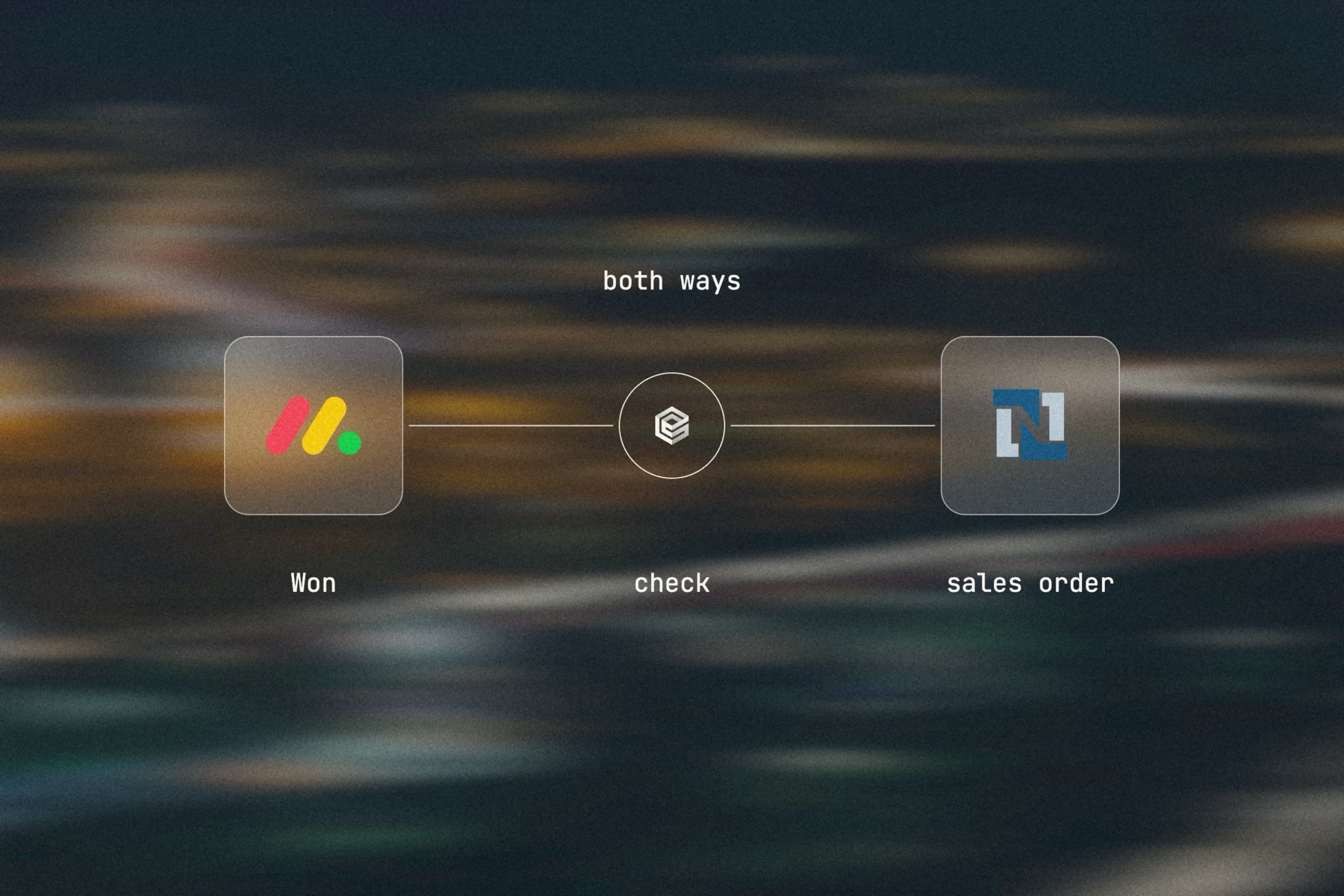
Sales works in Salesforce or HubSpot; delivery works on monday.com. engini keeps them in step: deals and accounts become items on the right board, delivery status and dates flow back to the CRM, and an AI agent handles the cases a field mapping cannot, such as matching a deal to an existing client item.

monday.comSalesforceHubSpotSlack
Read the monday.com guide →
A deal changes stage
  1. Salesforce logo
    Deal moves to NegotiationSalesforce or HubSpot trigger
  2. Agent finds the itemexisting client item matched
  3. monday.com logo
    Board item updatedstage, value, close date
  4. Salesforce logo
    Delivery status backfrom monday item updates
Illustration of the flow on this page, not a product screen.
What it does
Deals and accounts on monday.com boards; delivery status back in the CRM
Systems
Salesforce or HubSpot, monday.com, Slack or Teams
Built with
Workflows on CRM and monday.com triggers, with an AI agent step for matching
Your control
Which boards, which fields, which system owns each field
[ 01 / The problem ]

Sales and delivery see different customers

Blurred landscape photo with the words CRM integration and the labels Decide, Out, Back, Watch

When sales runs on Salesforce or HubSpot and delivery runs on monday.com, every deal is copied by hand: someone creates the project item, types the deal value and dates, and later tells sales the project went live. Off-the-shelf connectors often depend on enterprise plans on both sides, and simple recipes break the day a column changes.

Where the handoff breaks

  • Deals copied by hand into monday.com items.
  • The same client created twice on different boards.
  • Delivery dates and status never reach the CRM.
  • Account managers asking delivery for updates by message.

Both ways, with an agent for the hard parts

A Salesforce outbound message or record trigger, or a HubSpot trigger checked as often as every 15 minutes, starts a workflow when a deal or account changes. An AI agent step finds the matching item by column value or name, so an existing client is not created twice, and updates stage, value and dates. In the other direction, monday.com item updates write delivery status and dates back to the opportunity or deal. Every engini integration runs both ways, and you decide which system owns each field.

[ 02 / How it works ]

CRM to board, board back to the CRM

01 / Decide

Who owns what

Agree which system owns each field: for example the CRM owns stage and value, monday.com owns delivery status and dates.

02 / Out

CRM to monday.com

Deal and account changes create or update the matching items, with an AI agent finding existing clients.

03 / Back

monday.com to the CRM

Item updates write delivery status and dates to the opportunity or deal.

04 / Watch

Mismatches to a person

Anything the agent cannot match goes to Slack or Teams instead of creating a duplicate.

This is the flow you will build. Start free and connect your systems.

[ 03 / What the agent reads and writes ]

What the workflows read and write

SystemRecordsAccess
Salesforce or HubSpotOpportunities or deals, accounts or companiesReadUpdate
monday.comItems, column values, connected boards, updatesReadCreateUpdate
Slack or TeamsItems the agent could not matchWrite

Connect these systems in engini and give the agent only these tools.

[ 04 / Build it with the engini skill ]

Describe it in plain words. The engini skill builds the workflow.

engini skills is engini’s plugin for Claude Code and Codex. Its workflow agent, Flo, turns a plain-language request into an engini workflow: it designs the steps, dry-runs them against your own engini account, shows you a proposal, and creates the workflow only after you approve it, always turned off. You check it in the engini designer and turn it on.

Blurred landscape photo with the Salesforce and monday.com logos, the engini mark and a thin line, labeled both ways: deal, match, board item

Editorial image: sales and delivery, one customer.

Claude Code: install once
/plugin marketplace add engini/skills
/plugin install skills@engini
Then ask for this solution
Build a workflow in my engini account: when a HubSpot deal moves to Closed Won, find the item for its company on my monday.com "Clients" board, or create one, and create an item on the "Projects" board with the deal name, value and close date, connected to that client.
  1. You need an engini account, the engini CLI (npm i -g @engini/cli) and a workspace-scoped API key, ideally a dedicated least-privilege one.
  2. Connect the systems this flow uses in engini first. Flo never creates or changes a connection and never handles your key; it tells you which command to run.
  3. Flo checks your login and workspace, searches the tool catalog, compiles the plan and shows a proposal table with every step. It creates the workflow only when you approve that proposal, and it creates it turned off.
  4. Open it in the engini designer, fill anything it left for you, and turn it on.
engini skills for Claude Code and Codex →
What the skill will never do on its own →
[ 05 / Agent Policy ]

The agent does only what you allow. Every run is on the record.

Agent Policy is how you govern agents in engini: the tools each agent may call, the account each tool uses, and a record of every call.

Toolsets

Scope every call

Hand the agent a toolset: only the tools it needs, each on the connection you choose, for example read only. engini enforces it on the server for CLI, SDK and REST API calls; a call outside the toolset is refused. An MCP server exposes only the connections and tools chosen when you set it up.

Identity

Acts with the account you connect

engini acts with the permissions of the connected account. Connect a person’s own account and it acts as that person; use a shared integration account and it acts as that account. Every run is recorded under the user who triggered it.

Audit

History and audit log

Each tool call and workflow run is recorded in History and the audit log, which supports export and streaming to your SIEM. Your agent never needs your credentials: engini stores them and adds them when it runs each call.

SOC 2 Type IIISO 27001GDPRHIPAA compliant
[ 06 / Try it now ]

Build it on your own data today

Start free, connect monday.com, and build this flow with the engini skill, in Workflow Studio, or from your own agent.

  • 01Workflow Studio. Build the flow on a visual canvas, with an AI agent step where judgment is needed. Start free →
  • 02Your own agent. Give Claude, ChatGPT or Cursor an engini MCP server with only these tools. MCP client setup →
  • 03The engini skill. Ask Flo in Claude Code or Codex and review its proposal. Install the skill →
[ 07 / Questions ]

Questions buyers ask before they start

Can monday.com sync with Salesforce or HubSpot both ways?

Yes. CRM changes create or update monday.com items, and monday.com item updates write back to the CRM. Every engini integration runs both ways.

How are duplicates avoided?

An AI agent step looks for an existing item by column value or name before creating one, and sends anything it cannot match to a person.

How fast does it sync?

Salesforce changes arrive in real time through outbound messages, HubSpot changes are checked as often as every 15 minutes, and monday.com item changes start workflows as they happen.

Do we need enterprise plans?

engini connects to Salesforce through its managed package, to HubSpot over OAuth and to monday.com with an access token. Check your own plans for API access.