NetSuite
 Slack
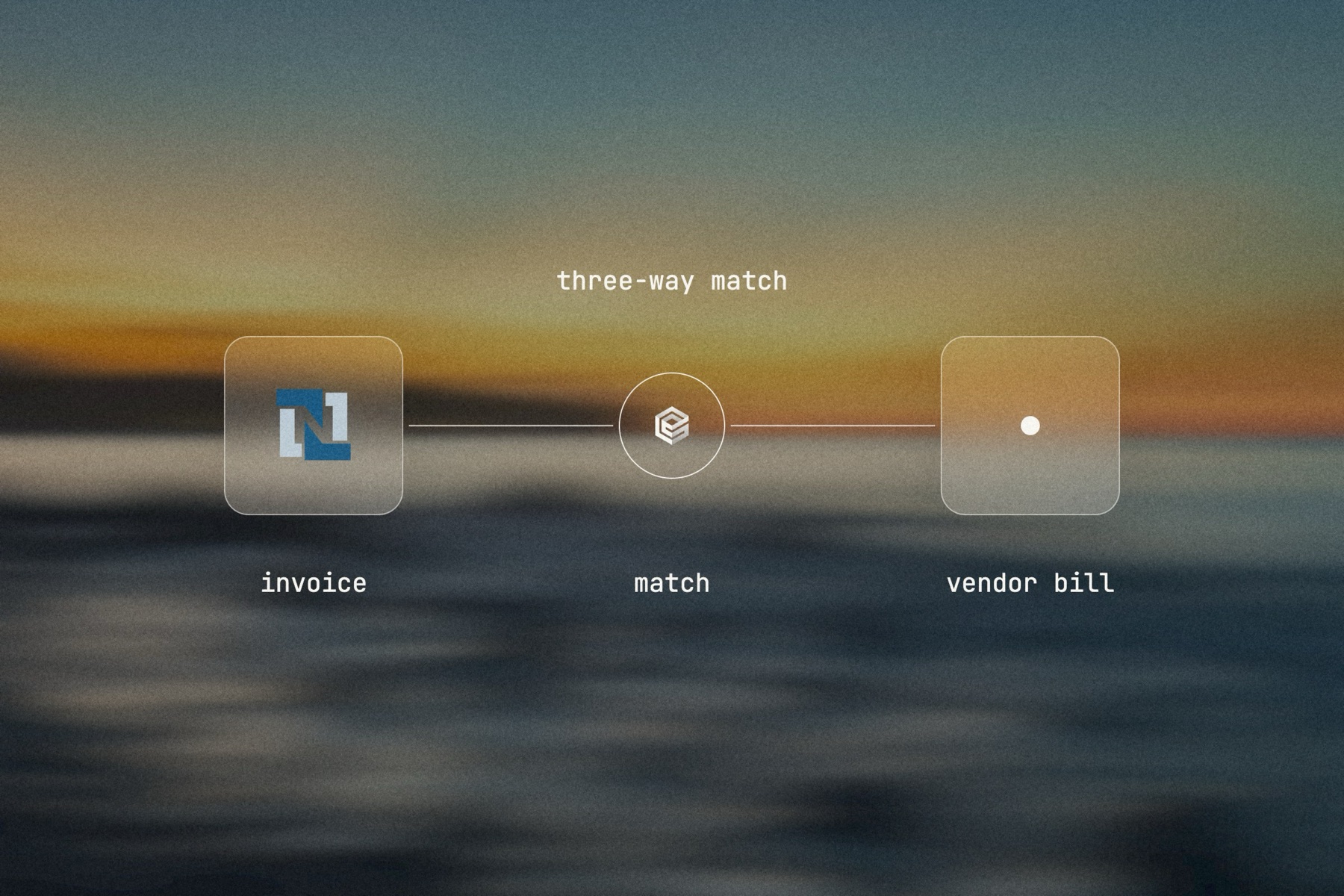
NetSuite holds the purchase order, the item receipt and the vendor. The invoice, though, arrives as a PDF in an inbox, and someone types it into a vendor bill: vendor, invoice number, each line, the GL account, the totals. Then they open the purchase order and the item receipt to check that what was billed was ordered and received.
Capture tools help with the reading, but the checking and the follow-up stay with people. A NetSuite user quoted by Stampli summed it up: the AP automation is not really automated. Month end then arrives with a pile of bills nobody has matched yet.
What slows an AP team down
- Re-keying header and line data from PDFs that every vendor formats differently.
- Opening three records to do a three-way match, invoice by invoice.
- Chasing the buyer or the warehouse when quantities or prices do not line up.
- Answering vendors who ask whether their invoice was received.
How an AI agent changes it
The reading, the lookups and the comparison are exactly the work an agent does well, and they are repetitive enough to run on every invoice. engini gives the agent the NetSuite tools it needs to read vendors, purchase orders and item receipts and to create vendor bills, and nothing else. A clean match becomes a vendor bill in seconds. A mismatch becomes a short, specific note to the person who can fix it, with the numbers side by side.
Because engini creates the bill through the NetSuite account you connect, NetSuite’s own controls still apply: the role on that account decides what can be created, and if you route vendor bills for approval in NetSuite, the new bill follows that routing like any other.