[ NetSuite / Accounts receivable ]

NetSuite collections that follow up on their own

engini reads your open NetSuite invoices every morning, sends each customer the reminder that fits how late they are, reads the replies, and writes promises to pay and disputes back where your team works. Reminders stop as soon as NetSuite shows the invoice paid.

NetSuiteOutlook or GmailSlackSalesforceHubSpot
Read the NetSuite guide →
A daily collections run
  1. Every weekday at 7:00schedule trigger
  2. NetSuite logo
    Read open invoicesInvoice and Customer records, by days overdue
  3. Agent writes each remindertone by stage: 7, 30, 60 days
  4. Sent, then replies readreply: "paying Friday" read by the agent
  5. Slack logo
    Promise logged, owner toldmemo on the invoice, note in #collections
Illustration of the flow on this page, not a product screen.
What it does
Daily reminders by stage, replies read and logged, stops when paid
Systems
NetSuite, Outlook or Gmail, Slack or Teams, optionally Salesforce or HubSpot
Built with
A scheduled workflow with an AI agent step, plus a NetSuite trigger
Your control
Which customers, which stages, which wording; nothing is written off
[ 01 / The problem ]

The long tail of overdue invoices does not chase itself

Every open receivable lives on a NetSuite invoice. What happens next usually lives in a spreadsheet and an inbox: who was reminded, who promised to pay on Friday, who disputes line three. Tesorio describes the result well: teams cannot focus on the accounts that matter, and the long tail barely moves even with reminders switched on.

Generic reminder emails are easy to send and easy to ignore. What collects cash is the follow-up: the second email that mentions the promise the customer made, the call that happens because a rep knew the account was 60 days late, the dispute that reaches the right person the same day.

Where collections time goes

  • Exporting the aging report and deciding who to contact today.
  • Writing the same reminder in three tones for three stages.
  • Reading replies and copying promises and disputes into notes nobody else sees.
  • Sending a reminder to a customer who paid yesterday.
  • Sales calling a customer without knowing the account is overdue.

What the agent takes over

An AI agent can read every open invoice, group customers by stage and amount, and write each reminder with the invoice numbers and the last promise in it. It reads the reply the same way a collector would, decides whether it is a payment date, a dispute or a question, and writes that back to NetSuite and to the owner. A NetSuite trigger on updated invoices, checked as often as every 15 minutes, stops the sequence once an invoice is paid.
[ 02 / How it works ]

A collector’s routine, done every morning

01 / Read

Pull what is overdue

A scheduled workflow reads open invoices and their customers from NetSuite and groups them by days overdue and balance.

02 / Write

One reminder per customer

An AI agent step writes each email with the invoice numbers, amounts and any earlier promise, in the tone you set for that stage, and sends it from Outlook or Gmail.

03 / Listen

Read the replies

Replies are read by the agent, which records a promise to pay or a dispute in the invoice memo and alerts the account owner in Slack or Teams.

04 / Stop

Stop when paid

A NetSuite trigger on updated invoices ends the sequence when a payment is applied. If you use Salesforce or HubSpot, the overdue balance can be written to the account so reps see it.

[ 03 / What the agent reads and writes ]

What the agent reads and writes

SystemRecordsAccess
NetSuiteInvoice, Customer, Customer PaymentRead
NetSuiteInvoice memo or a custom collections-note recordUpdate
Outlook or GmailReminder emails and customer repliesSendRead
Slack or TeamsDisputes and promises to the account ownerWrite
Salesforce or HubSpotOverdue balance on the account or company (optional)Update
[ 04 / Build it with the engini skill ]

Describe it in plain words. The engini skill builds the workflow.

engini skills is engini’s plugin for Claude Code and Codex. Its workflow agent, Flo, turns a plain-language request into an engini workflow: it designs the steps, dry-runs them against your own engini account, shows you a proposal, and creates the workflow only after you approve it, always turned off. You check it in the engini designer and turn it on.

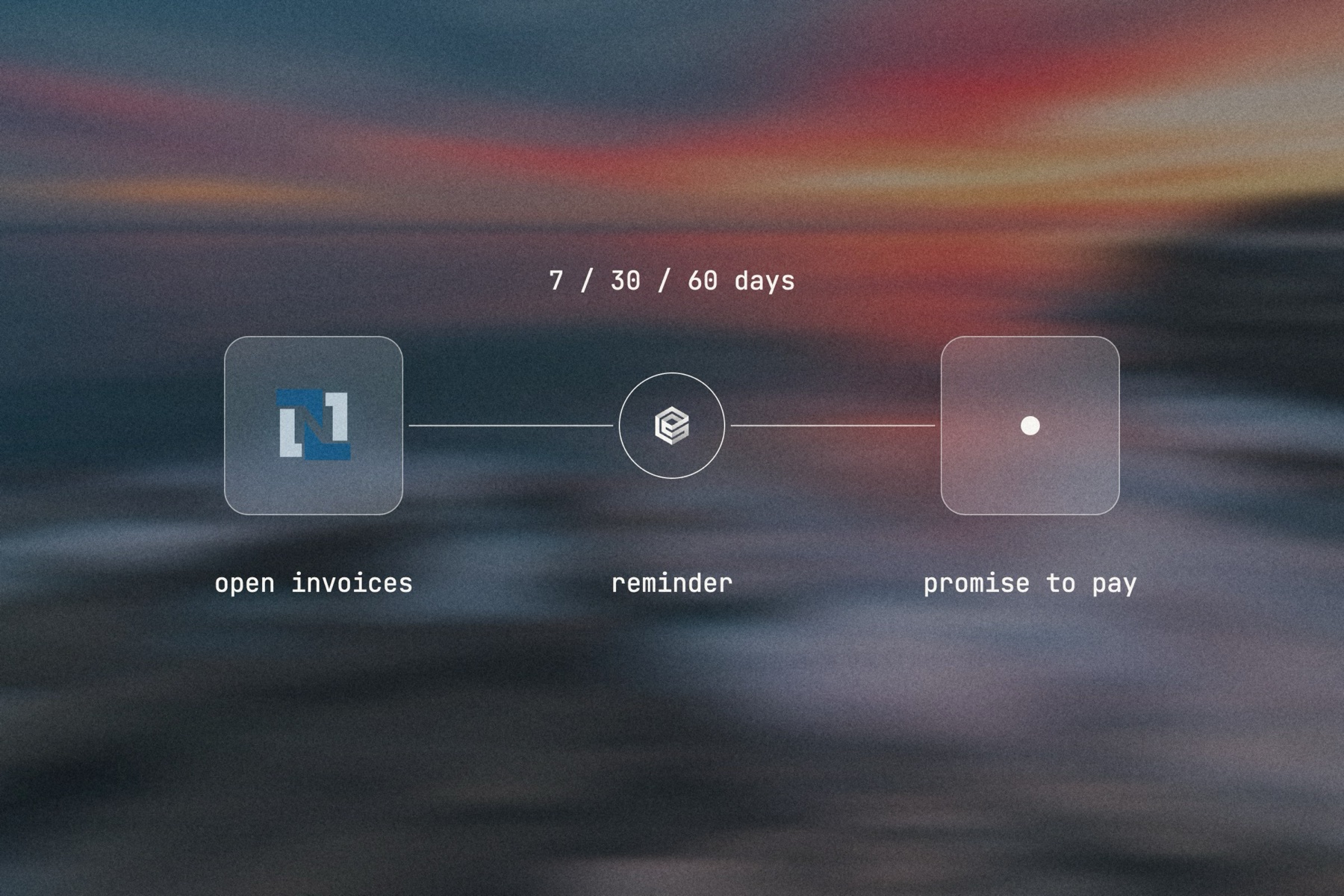
Blurred landscape photo with the NetSuite logo, the engini mark and a frosted tile joined by a thin line, labeled 7 / 30 / 60 days: open invoices, reminder, promise to pay

Editorial image: the stages of a collections sequence.

Claude Code: install once
/plugin marketplace add engini/skills
/plugin install skills@engini
Then ask for this solution
Build a workflow in my engini account: every weekday at 7:00, read open overdue invoices from NetSuite, group them by customer, and send each customer one reminder email from Outlook listing the invoice numbers and amounts, with a friendly tone under 30 days overdue and a firmer tone after. Post a daily summary to #collections in Slack.
  1. You need an engini account, the engini CLI (npm i -g @engini/cli) and a workspace-scoped API key, ideally a dedicated least-privilege one.
  2. Connect the systems this flow uses in engini first. Flo never creates or changes a connection and never handles your key; it tells you which command to run.
  3. Flo checks your login and workspace, searches the tool catalog, compiles the plan and shows a proposal table with every step. It creates the workflow only when you approve that proposal, and it creates it turned off.
  4. Open it in the engini designer, fill anything it left for you, and turn it on.
engini skills for Claude Code and Codex →
What the skill will never do on its own →
[ 05 / Agent Policy ]

The agent does only what you allow. Every run is on the record.

Agent Policy is how you govern agents in engini: the tools each agent may call, the account each tool uses, and a record of every call.

Toolsets

Scope every call

Hand the agent a toolset: only the tools it needs, each on the connection you choose, for example read only. engini enforces it on the server for CLI, SDK and REST API calls; a call outside the toolset is refused. An MCP server exposes only the connections and tools chosen when you set it up.

Identity

Acts with the account you connect

engini acts with the permissions of the connected account. Connect a person’s own account and it acts as that person; use a shared integration account and it acts as that account. Every run is recorded under the user who triggered it.

Audit

History and audit log

Each tool call and workflow run is recorded in History and the audit log, which supports export and streaming to your SIEM. Your agent never needs your credentials: engini stores them and adds them when it runs each call.

SOC 2 Type IIISO 27001GDPRHIPAA compliant
[ 06 / Try it now ]

Build it on your own data today

Start free, connect NetSuite, and build this flow with the engini skill, in Workflow Studio, or from your own agent.

  • 01Workflow Studio. Build the flow on a visual canvas, with an AI agent step where judgment is needed. Start free →
  • 02Your own agent. Give Claude, ChatGPT or Cursor an engini MCP server with only these tools. MCP client setup →
  • 03The engini skill. Ask Flo in Claude Code or Codex and review its proposal. Install the skill →
[ 07 / Questions ]

Questions buyers ask before they start

Can NetSuite send overdue reminders on its own?

NetSuite can print and email statements and invoices. What it does not do is read the replies, decide the next step per customer and keep a running record of promises and disputes. That is the part the agent takes over.

Can an AI agent read customer replies and log promises to pay?

Yes. The agent reads each reply, decides whether it is a payment date, a dispute or a question, records it in the invoice memo or a custom record in NetSuite, and alerts the account owner in Slack or Teams.

Will customers get a reminder after they paid?

The workflow reads current invoice status before every send, and a NetSuite trigger on updated invoices, checked as often as every 15 minutes, stops the sequence when a payment is applied.

Can sales see overdue balances in Salesforce or HubSpot?

Yes. The same workflow can write the overdue balance and the last collections note to the Salesforce account or the HubSpot company, so reps see it before they call.

Does it write off or credit anything?

Only what you give it tools for. A collections toolset typically reads invoices and customers and updates a memo field; it has no tool to create credit memos, so it cannot.

Does it work with several subsidiaries and currencies?

The agent reads the subsidiary and currency on each NetSuite invoice, so you can split runs, senders and wording by subsidiary.