[ NetSuite / Record to report ]

A faster NetSuite close, reconciled by agents

engini lets AI agents pull NetSuite balances and transactions next to the outside source of truth, such as your billing system export, data warehouse or bank file, reconcile them, explain each difference in plain words and prepare the adjusting journal entries. Your controller reviews the list; recurring entries from a schedule post on time every period.

NetSuiteSnowflakeExcel or SheetsSlack
Read the NetSuite guide →
Day one of the close
  1. First business day, 6:00schedule trigger
  2. NetSuite logo
    Read NetSuite balancesdeferred revenue, AR, clearing accounts
  3. Read the source of truthSnowflake: billing ledger for the period
  4. Agent reconciles and explains3 differences, each with a reason
  5. NetSuite logo
    Entries prepared for reviewjournal entries listed in the close sheet
Illustration of the flow on this page, not a product screen.
What it does
Reconciles NetSuite against outside data, explains differences, prepares entries
Systems
NetSuite, Snowflake or Databricks, databases, Excel or Sheets, Slack or Teams
Built with
Scheduled workflows with an AI agent step, or your own agent over MCP
Your control
Your controller reviews; NetSuite journal approval still applies
[ 01 / The problem ]

The close still runs on spreadsheets

NetSuite’s own article on account reconciliation describes finance teams spending hundreds of hours reconciling data in spreadsheets each period. The pattern is familiar: export from NetSuite, export from the billing system or the warehouse, line them up in Excel, chase the differences, then type the adjusting journal entries back into NetSuite by hand.

The work is careful rather than hard, and it lands on the same few people in the same few days every month.

Where close days go

  • Pulling the same exports, with the same filters, every period.
  • Matching thousands of lines to find the handful that differ.
  • Writing up why each difference exists, for the controller and later for the auditors.
  • Re-keying accruals and allocations from a schedule into journal entries.

What agents can take on

An AI agent can read NetSuite and the outside source side by side, find the differences, and do the first pass at explaining them: a timing difference, a credit that was never booked, a duplicate. It can prepare the journal entries that would fix each one and list them in the close checklist, so the controller reviews decisions instead of building spreadsheets.

Recurring entries are simpler still. Accruals and allocations kept in a spreadsheet schedule become NetSuite journal entries on a schedule, with every run recorded. If you require approval for journal entries in NetSuite, entries engini creates follow that rule, because they are created through the NetSuite account you connect.
[ 02 / How it works ]

Reconcile, explain, prepare, review

01 / Pull

Both sides, every period

A scheduled workflow reads NetSuite balances and transactions for the period and the matching data from Snowflake, Databricks, a database or a file export.

02 / Reconcile

Find what differs

An AI agent step lines them up, finds the differences and writes a one-line reason for each.

03 / Prepare

Entries and a checklist

It prepares the adjusting entries and writes each item, with its reason and proposed entry, to the close checklist in Excel, Google Sheets or a monday.com board.

04 / Post

After review

Once the controller marks an item ready, a second workflow creates the journal entry in NetSuite. Recurring entries from a schedule post on their own date.

[ 03 / What the agent reads and writes ]

What the agents read and write

SystemRecordsAccess
NetSuiteAccounts, transactions, journal entries for the periodRead
NetSuiteJournal Entry (adjusting and recurring)Create
Snowflake, Databricks or a databaseBilling, bank or subledger data for the same periodRead
Excel, Google Sheets or monday.comThe close checklist with reasons and proposed entriesWrite
Slack or TeamsClose status for the teamWrite
[ 04 / Build it with the engini skill ]

Describe it in plain words. The engini skill builds the workflow.

engini skills is engini’s plugin for Claude Code and Codex. Its workflow agent, Flo, turns a plain-language request into an engini workflow: it designs the steps, dry-runs them against your own engini account, shows you a proposal, and creates the workflow only after you approve it, always turned off. You check it in the engini designer and turn it on.

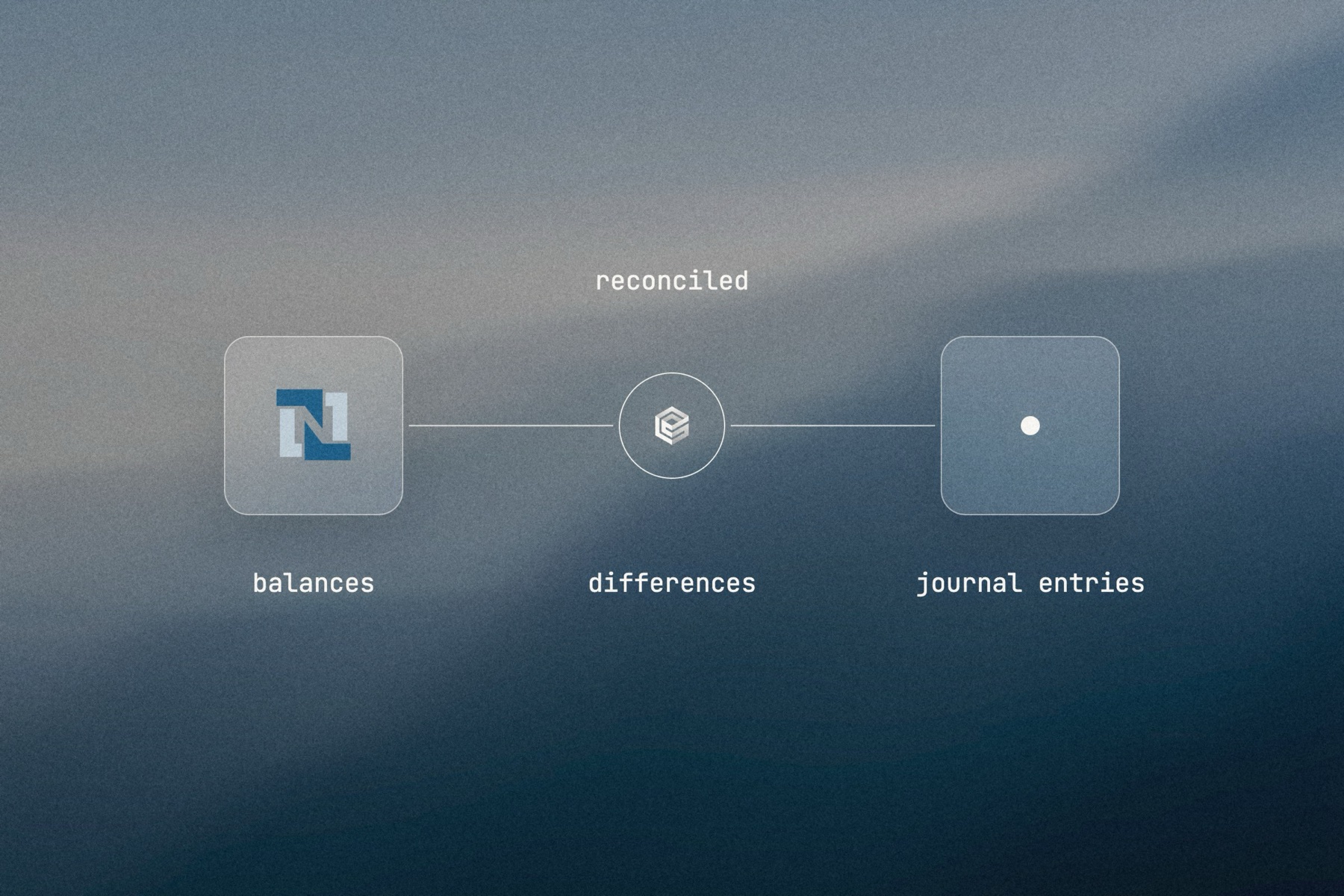
Blurred landscape photo with the NetSuite logo, the engini mark and a frosted tile joined by a thin line, labeled reconciled: balances, differences, journal entries

Editorial image: two ledgers, reconciled.

Claude Code: install once
/plugin marketplace add engini/skills
/plugin install skills@engini
Then ask for this solution
Build a workflow in my engini account: on the first business day of each month at 6:00, read last month's deferred revenue transactions from NetSuite and the billing ledger for the same month from Snowflake, list every difference with a one-line reason, and add each one as a row in the "Close checklist" Google Sheet. Post a summary to #close in Slack.
  1. You need an engini account, the engini CLI (npm i -g @engini/cli) and a workspace-scoped API key, ideally a dedicated least-privilege one.
  2. Connect the systems this flow uses in engini first. Flo never creates or changes a connection and never handles your key; it tells you which command to run.
  3. Flo checks your login and workspace, searches the tool catalog, compiles the plan and shows a proposal table with every step. It creates the workflow only when you approve that proposal, and it creates it turned off.
  4. Open it in the engini designer, fill anything it left for you, and turn it on.
engini skills for Claude Code and Codex →
What the skill will never do on its own →
[ 05 / Agent Policy ]

The agent does only what you allow. Every run is on the record.

Agent Policy is how you govern agents in engini: the tools each agent may call, the account each tool uses, and a record of every call.

Toolsets

Scope every call

Hand the agent a toolset: only the tools it needs, each on the connection you choose, for example read only. engini enforces it on the server for CLI, SDK and REST API calls; a call outside the toolset is refused. An MCP server exposes only the connections and tools chosen when you set it up.

Identity

Acts with the account you connect

engini acts with the permissions of the connected account. Connect a person’s own account and it acts as that person; use a shared integration account and it acts as that account. Every run is recorded under the user who triggered it.

Audit

History and audit log

Each tool call and workflow run is recorded in History and the audit log, which supports export and streaming to your SIEM. Your agent never needs your credentials: engini stores them and adds them when it runs each call.

SOC 2 Type IIISO 27001GDPRHIPAA compliant
[ 06 / Try it now ]

Build it on your own data today

Start free, connect NetSuite, and build this flow with the engini skill, in Workflow Studio, or from your own agent.

  • 01Workflow Studio. Build the flow on a visual canvas, with an AI agent step where judgment is needed. Start free →
  • 02Your own agent. Give Claude, ChatGPT or Cursor an engini MCP server with only these tools. MCP client setup →
  • 03The engini skill. Ask Flo in Claude Code or Codex and review its proposal. Install the skill →
[ 07 / Questions ]

Questions buyers ask before they start

Can AI reconcile NetSuite against our billing system or data warehouse?

Yes. A workflow reads both sides for the period, from NetSuite and from Snowflake, Databricks, a database or a file export, and an AI agent step finds and explains the differences.

Can journal entries be created automatically?

Yes, through the NetSuite account you connect. Recurring entries from a spreadsheet schedule can post on their date. Adjusting entries are best prepared first and created once your controller marks them ready in the checklist.

Who reviews entries before they post?

Your team, in the close checklist, and NetSuite’s own journal approval if you use it. engini has no approval step before an agent action, so the review sits in your checklist and in NetSuite.

Is there an audit trail of what the agent did?

Yes. Every run is recorded in engini under the user who triggered it, in History and the audit log, which supports export and SIEM streaming. NetSuite keeps its own system notes on each entry.

Does it replace a close management tool?

No. It takes over the reconciliation and entry work that feeds your close. Teams keep their checklist where they already work: Excel, Google Sheets or a monday.com board.