
[ SAP S/4HANA / Accounts payable ]

SAP S/4HANA AP, with exceptions explained

engini reads each supplier invoice, checks the purchase order and goods receipt in SAP S/4HANA through SAP’s own OData services, and creates the supplier invoice when they agree. When they do not, an AI agent tells the buyer or the receiving team exactly what is missing, and checks again on a schedule until the goods receipt arrives.

SAP S/4HANAOutlook or GmailSlackOData
Read the SAP S/4HANA guide →
An invoice waiting on a goods receipt
  1. Supplier invoice arrivesPDF to ap@, PO 4500018231
  2. AI reads the invoicesupplier, lines, quantities, totals
  3. SAP S/4HANA logo
    Agent checks PO and receiptsOData: purchase order, material documents
  4. Slack logo
    Exception explainedno goods receipt yet for line 20
  5. SAP S/4HANA logo
    Re-checked, then createdsupplier invoice created on the next run
Illustration of the flow on this page, not a product screen.
What it does
Supplier invoices checked against PO and goods receipt, created or explained
Systems
SAP S/4HANA (OData), Outlook or Gmail, Slack or Teams
Built with
A workflow with engini AI Tools and an AI agent step, plus a scheduled re-check
Your control
Your SAP user or OAuth client; the services you expose; your SAP rules
[ 01 / The problem ]

SAP matches the clean invoices. People work the rest.

SAP S/4HANA handles a clean three-way match well. What fills an AP team’s day is everything else: a price that differs from the purchase order, a quantity billed before it was received, an invoice that arrives with no PO number at all. Doxis and Ramp both describe the same queue of flagged exceptions, and the most common one is simple timing: the invoice is there before the goods receipt.

Each exception means opening the purchase order, looking for a material document, emailing the buyer or the warehouse, and coming back later to try again. Multiply that by every supplier and every month end.

Where SAP AP time goes

  • Keying invoices that arrive as PDFs in an inbox.
  • Investigating price and quantity differences line by line.
  • Chasing goods receipts that have not been posted yet.
  • Remembering to retry invoices that were blocked last week.

How engini reaches SAP

engini connects to SAP S/4HANA through SAP’s standard OData services, the same web APIs SAP publishes for supplier invoices, purchase orders and material documents. Each engini connection uses one OData service, signed in with OAuth 2 or an SAP user your administrator sets up, in the cloud or on premises. There are no SAP triggers, so the flow starts from the invoice email and re-checks open exceptions on a schedule. No IDocs, no RFC, no middleware.

An AI agent step does the part rules struggle with: reading an invoice that does not follow your template, deciding whether a difference is a real problem or a rounding issue, and writing a note a buyer can act on in one read.
[ 02 / How it works ]

Invoice to SAP, exceptions to people

01 / Read

The invoice arrives

A new email in the AP inbox starts the workflow, and engini AI Tools reads the supplier, PO number, lines and totals from the PDF.

02 / Check

PO and goods receipt

An AI agent step reads the purchase order and its material documents from SAP, each through its own connection, and compares quantities and prices.

03 / Create

Supplier invoice

When they agree, it creates the supplier invoice through SAP’s supplier invoice service. Writes that need a CSRF token get a fresh one first.

04 / Explain

Or tell the right person

When they do not, it posts the gap to the buyer or receiving team in Slack or Teams, and a scheduled run re-checks open items until the receipt is posted.

[ 03 / What the agent reads and writes ]

What the agent reads and writes

One OData service per connection: plan one connection each for purchase orders, material documents and supplier invoices.

SystemRecordsAccess
SAP S/4HANAPurchase orders and items (purchase order service)Read
SAP S/4HANAMaterial documents, goods receipts (material document service)Read
SAP S/4HANASupplier invoice (supplier invoice service)Create
Outlook or GmailThe AP inbox and PDF invoicesRead
Slack or TeamsException notes to buyers and receivingWrite
[ 04 / Build it with the engini skill ]

Describe it in plain words. The engini skill builds the workflow.

engini skills is engini’s plugin for Claude Code and Codex. Its workflow agent, Flo, turns a plain-language request into an engini workflow: it designs the steps, dry-runs them against your own engini account, shows you a proposal, and creates the workflow only after you approve it, always turned off. You check it in the engini designer and turn it on.

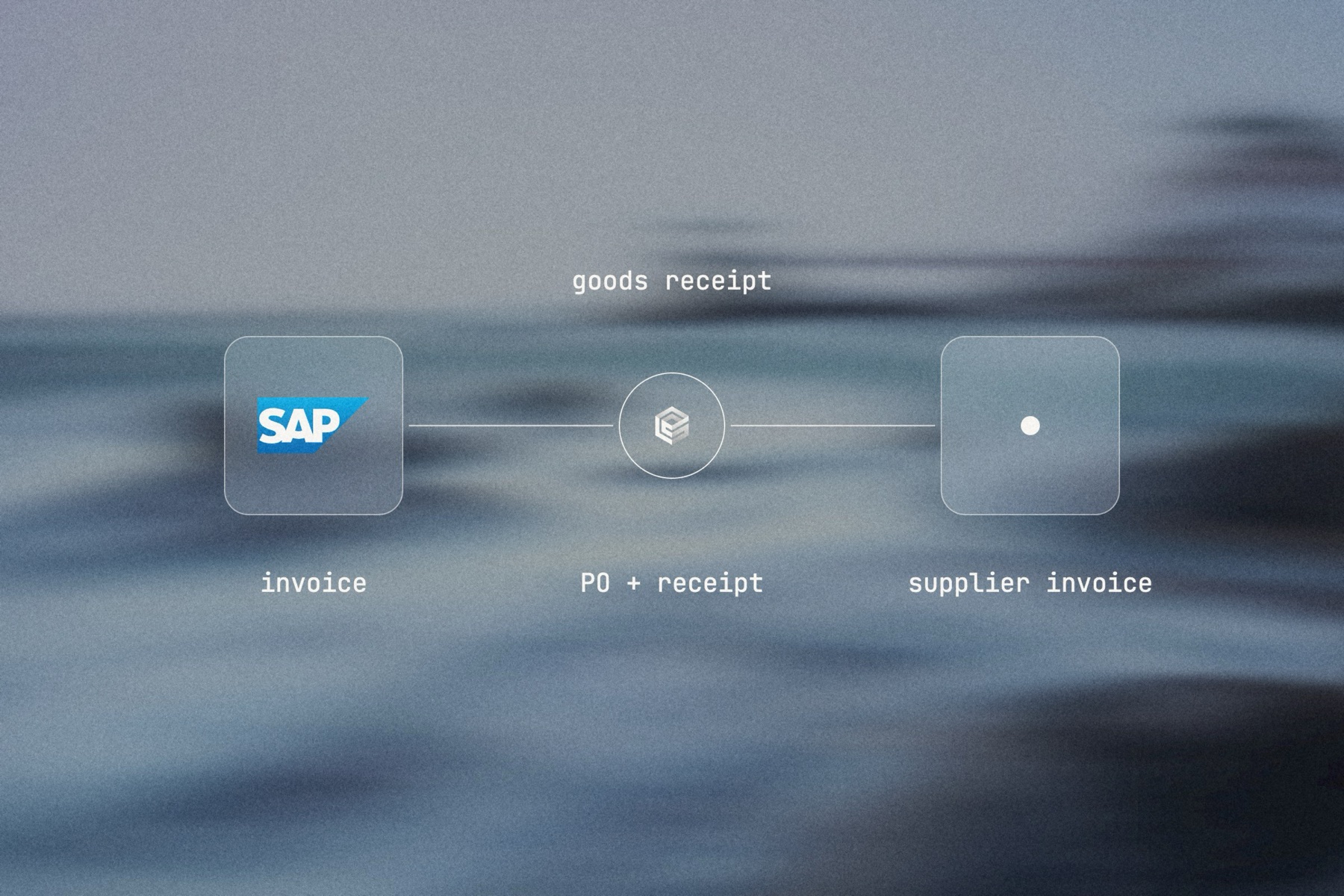
Blurred landscape photo with the SAP logo, the engini mark and a frosted tile joined by a thin line, labeled goods receipt: invoice, PO + receipt, supplier invoice

Editorial image: the gap between invoice and goods receipt.

Claude Code: install once
/plugin marketplace add engini/skills
/plugin install skills@engini
Then ask for this solution
Build a workflow in my engini account: when a supplier invoice PDF arrives in ap@ in Outlook, read it with engini AI Tools, read the purchase order and its goods receipts from SAP S/4HANA, and if quantities and prices agree, create the supplier invoice in SAP. If a goods receipt is missing or a price differs, post the details to #ap-exceptions in Slack. Also build a second workflow that re-checks open exceptions every 4 hours.
  1. You need an engini account, the engini CLI (npm i -g @engini/cli) and a workspace-scoped API key, ideally a dedicated least-privilege one.
  2. Connect the systems this flow uses in engini first. Flo never creates or changes a connection and never handles your key; it tells you which command to run.
  3. Flo checks your login and workspace, searches the tool catalog, compiles the plan and shows a proposal table with every step. It creates the workflow only when you approve that proposal, and it creates it turned off.
  4. Open it in the engini designer, fill anything it left for you, and turn it on.
engini skills for Claude Code and Codex →
What the skill will never do on its own →
[ 05 / Agent Policy ]

The agent does only what you allow. Every run is on the record.

Agent Policy is how you govern agents in engini: the tools each agent may call, the account each tool uses, and a record of every call.

Toolsets

Scope every call

Hand the agent a toolset: only the tools it needs, each on the connection you choose, for example read only. engini enforces it on the server for CLI, SDK and REST API calls; a call outside the toolset is refused. An MCP server exposes only the connections and tools chosen when you set it up.

Identity

Acts with the account you connect

engini acts with the permissions of the connected account. Connect a person’s own account and it acts as that person; use a shared integration account and it acts as that account. Every run is recorded under the user who triggered it.

Audit

History and audit log

Each tool call and workflow run is recorded in History and the audit log, which supports export and streaming to your SIEM. Your agent never needs your credentials: engini stores them and adds them when it runs each call.

SOC 2 Type IIISO 27001GDPRHIPAA compliant
[ 06 / Try it now ]

Build it on your own data today

Start free, connect SAP S/4HANA, and build this flow with the engini skill, in Workflow Studio, or from your own agent.

  • 01Workflow Studio. Build the flow on a visual canvas, with an AI agent step where judgment is needed. Start free →
  • 02Your own agent. Give Claude, ChatGPT or Cursor an engini MCP server with only these tools. MCP client setup →
  • 03The engini skill. Ask Flo in Claude Code or Codex and review its proposal. Install the skill →
[ 07 / Questions ]

Questions buyers ask before they start

Can AI post supplier invoices into SAP S/4HANA?

Yes. engini creates supplier invoices through SAP’s supplier invoice OData service, on the connection and SAP user you set up. The SAP authorizations on that user still apply.

How are price, quantity and missing goods receipt exceptions handled?

The agent compares the invoice with the purchase order and material documents. If something differs, it creates nothing and posts the gap to Slack or Teams for the buyer or receiving team. A scheduled run re-checks open exceptions and creates the invoice once the receipt is posted.

Does this need IDocs or SAP middleware?

No. engini uses SAP’s standard OData services. IDoc and RFC are not supported.

Does it work with SAP ECC?

Not yet. engini connects to SAP S/4HANA, in the cloud or on premises and private cloud. An ECC system that publishes OData services through SAP Gateway can be reached with engini’s OData connector.

Why does the flow run on a schedule?

engini has no SAP triggers, so SAP-side changes are read on a schedule, for example every hour or every four hours. The invoice email itself starts the flow right away.

How is this different from SAP’s own tools or Joule?

Joule and SAP’s invoice tools work inside SAP. engini runs the flow across your inbox, SAP and Slack or Teams, and the same connections serve your own agents, such as Claude or ChatGPT, under the controls you set.