SAP S/4HANA
 monday.com
 Slack
In SAP S/4HANA the business partner is the single entry point for supplier and customer master data, with roles, addresses, tax numbers and bank details. Getting a new supplier into it usually means a request form, a few emailed documents, and someone in procurement or master data typing it all in. The number of SAP partner add-ons for vendor forms, duplicate checks and onboarding workflows shows how much of this is still manual.
It is also where small mistakes are expensive: a duplicate supplier splits spend reporting, a mistyped bank account sends a payment to the wrong place, and a missing tax ID holds up the first invoice.
What slows onboarding
- Reading tax forms and bank letters in different formats.
- Searching SAP for an existing partner under a slightly different name.
- Chasing the requester for the fields that were left blank.
- Keying the partner, the supplier role and the bank details by hand.
Where the agent helps, and where people decide
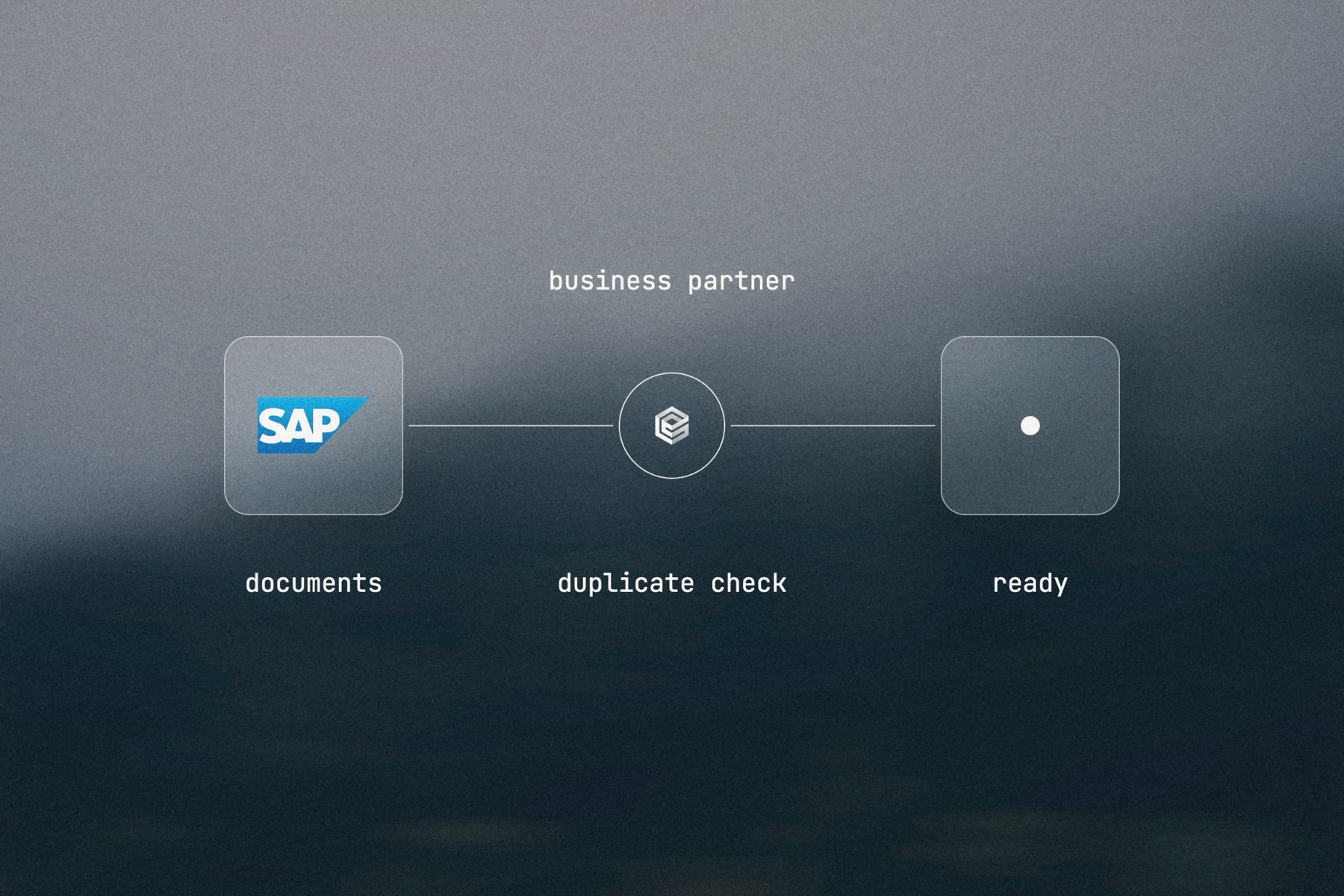
An AI agent reads the documents, extracts the legal name, address, tax ID and bank details, and searches SAP for business partners with the same tax ID or a similar name. It prepares a clean record on your procurement board or sheet, with anything missing called out, and asks the requester for it.
A person in procurement reviews the record and marks it ready. That change starts a second workflow that creates the business partner, its supplier role and its bank details in SAP, each through the business partner service, on a connection whose SAP user is authorized for exactly that.