[ SAP S/4HANA / AI agents ]

Ask SAP S/4HANA in plain words

engini gives Claude, ChatGPT, Cursor or your own agent a governed way into SAP S/4HANA. You choose which OData services and which tools it may use, read only if you like; the client signs in through engini; and every call is recorded. Finance and operations get answers from SAP without a report request or a new login.

SAP S/4HANAClaudeChatGPTCursorMCP
Read the SAP S/4HANA guide →
A controller asks a question
  1. "Which POs for Acme are still open?"asked in Claude
  2. engini MCP serverexposes: purchase orders, read only
  3. SAP S/4HANA logo
    SAP S/4HANA readOData: purchase order service
  4. Answer with the documents4 open POs, 2 partly received
Illustration of the flow on this page, not a product screen.
What it does
Your AI assistant answers from live SAP S/4HANA data
Systems
SAP S/4HANA (OData), Claude, ChatGPT, Cursor or your code
Built with
An engini MCP server, or a toolset over the SDK, CLI or REST API
Your control
Which services and tools; read only; who connects; every call recorded
[ 01 / The problem ]

The answers are in SAP. Getting them takes a ticket.

Most people who need something from SAP S/4HANA do not use SAP every day. A controller wants the open purchase orders for a supplier, a sales manager wants a customer’s order history, an AP lead wants to know why an invoice is blocked. The answer is a transaction code and a filter away, but that means a license, training, or a request to the one person who knows where to look.

Now those same people use Claude or ChatGPT all day. The obvious move is to let the assistant ask SAP. The obvious worry is what else it could do once it is in.

What has to be true before IT says yes

  • The assistant reaches only the SAP data it needs, ideally read only.
  • No SAP password or token is pasted into a prompt or a config file.
  • IT can see who is using it, and every call is recorded.
  • The same setup works for Claude, ChatGPT, Cursor and in-house agents.

How engini makes it governable

engini connects to SAP S/4HANA through SAP’s standard OData services, one service per connection, with fields loaded from each service’s metadata. You create an engini MCP server that exposes only the connections and tools you choose, for example get operations on the purchase order and sales order services. People add that server to Claude, ChatGPT or Cursor and sign in through engini over OAuth, with no key to copy.

engini shows who is using each MCP server, and records every run under the user who triggered it. For in-house agents built on the SDK, CLI or REST API, a toolset does the same scoping, enforced on the server.
[ 02 / How it works ]

SAP in your assistant in four steps

01 / Connect

Connect the services

In engini, connect each SAP OData service the assistant needs, with an SAP user or OAuth client whose authorizations fit, in the cloud or on premises.

02 / Scope

Choose the tools

Create an MCP server with only those connections and only the tools you allow, for example get operations and no create, update or delete.

03 / Add

Add it to the client

In Claude, add a custom connector with the server address; in Cursor, add it to your MCP config. People sign in through engini.

04 / Ask

Ask, with a record

Ask in plain words. engini runs each call on the SAP connection and records it under the person who asked.

[ 03 / What the agent reads and writes ]

What the assistant can reach

Only what the MCP server exposes. A typical read-only setup:

SystemRecordsAccess
SAP S/4HANAPurchase orders and items (purchase order service)Read
SAP S/4HANASales orders and items (sales order service)Read
SAP S/4HANABusiness partners (business partner service)Read
enginiWho uses each MCP server; History and audit logRecorded
[ 04 / Build it with the engini skill ]

Describe it in plain words. The engini skill builds the workflow.

engini skills is engini’s plugin for Claude Code and Codex. Its workflow agent, Flo, turns a plain-language request into an engini workflow: it designs the steps, dry-runs them against your own engini account, shows you a proposal, and creates the workflow only after you approve it, always turned off. You check it in the engini designer and turn it on.

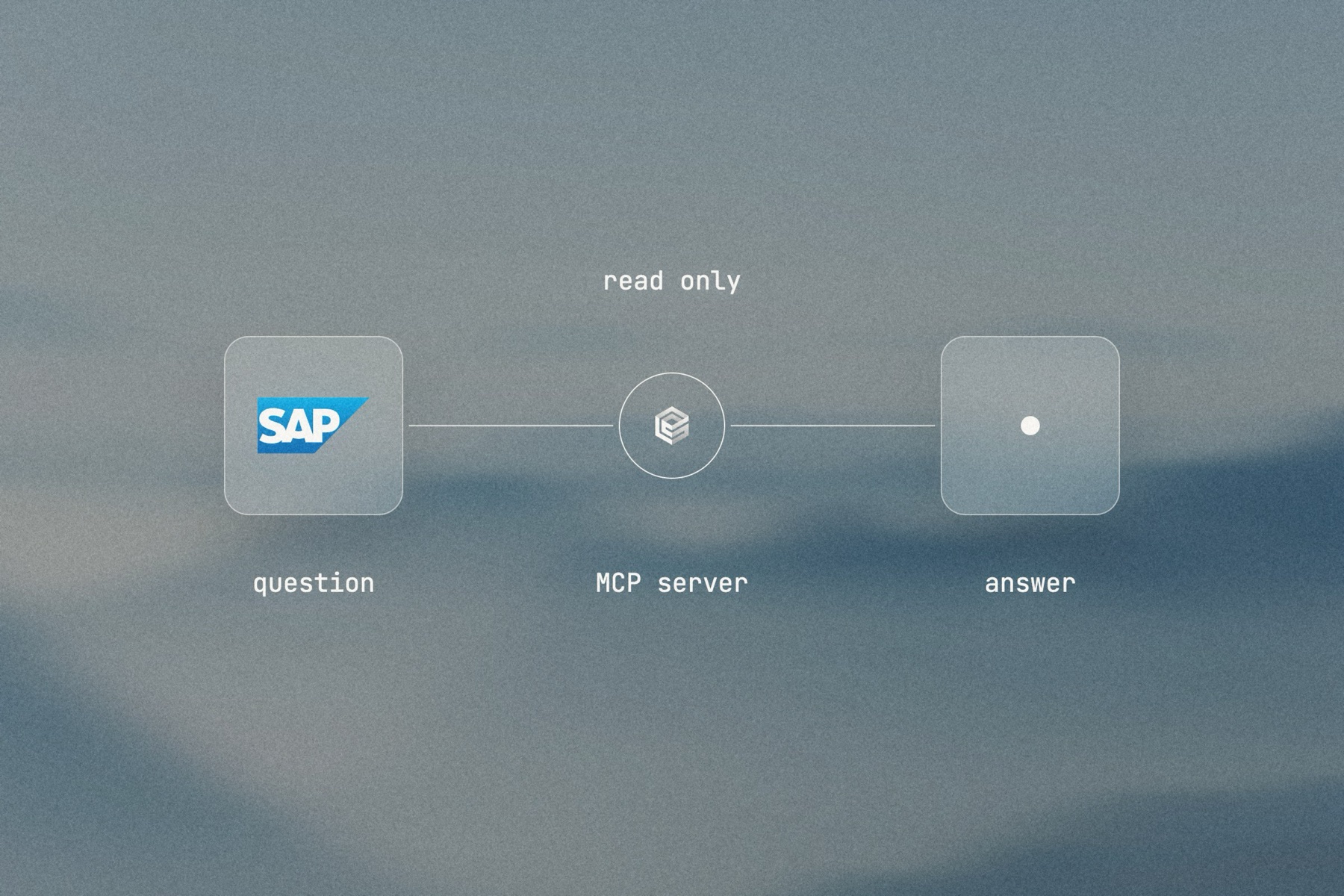
Blurred landscape photo with the SAP logo, the engini mark and a frosted tile joined by a thin line, labeled read only: question, MCP server, answer

Editorial image: a question, answered from SAP.

Claude Code: install once
/plugin marketplace add engini/skills
/plugin install skills@engini
Then ask for this solution
Build a workflow in my engini account that I can call from Claude over MCP: given a supplier name, read open purchase orders for that supplier from SAP S/4HANA and return each PO number, date, total and how much has been received.
  1. You need an engini account, the engini CLI (npm i -g @engini/cli) and a workspace-scoped API key, ideally a dedicated least-privilege one.
  2. Connect the systems this flow uses in engini first. Flo never creates or changes a connection and never handles your key; it tells you which command to run.
  3. Flo checks your login and workspace, searches the tool catalog, compiles the plan and shows a proposal table with every step. It creates the workflow only when you approve that proposal, and it creates it turned off.
  4. Open it in the engini designer, fill anything it left for you, and turn it on.
engini skills for Claude Code and Codex →
What the skill will never do on its own →
[ 05 / Agent Policy ]

The agent does only what you allow. Every run is on the record.

Agent Policy is how you govern agents in engini: the tools each agent may call, the account each tool uses, and a record of every call.

Toolsets

Scope every call

Hand the agent a toolset: only the tools it needs, each on the connection you choose, for example read only. engini enforces it on the server for CLI, SDK and REST API calls; a call outside the toolset is refused. An MCP server exposes only the connections and tools chosen when you set it up.

Identity

Acts with the account you connect

engini acts with the permissions of the connected account. Connect a person’s own account and it acts as that person; use a shared integration account and it acts as that account. Every run is recorded under the user who triggered it.

Audit

History and audit log

Each tool call and workflow run is recorded in History and the audit log, which supports export and streaming to your SIEM. Your agent never needs your credentials: engini stores them and adds them when it runs each call.

SOC 2 Type IIISO 27001GDPRHIPAA compliant
[ 06 / Try it now ]

Build it on your own data today

Start free, connect SAP S/4HANA, and build this flow with the engini skill, in Workflow Studio, or from your own agent.

  • 01Workflow Studio. Build the flow on a visual canvas, with an AI agent step where judgment is needed. Start free →
  • 02Your own agent. Give Claude, ChatGPT or Cursor an engini MCP server with only these tools. MCP client setup →
  • 03The engini skill. Ask Flo in Claude Code or Codex and review its proposal. Install the skill →
[ 07 / Questions ]

Questions buyers ask before they start

Can Claude or ChatGPT read SAP S/4HANA data?

Yes, through an engini MCP server. It exposes only the SAP connections and tools you choose, and the client signs in through engini over OAuth.

Can we keep it read only?

Yes. Expose only get tools on the MCP server, and use an SAP user whose authorizations are display only. Both limits apply.

Does the assistant ever see our SAP credentials?

No. Your agent never needs your credentials: engini stores them and adds them when it runs each call, so keys stay out of prompts and tool inputs.

Can IT see who is using it?

Yes. engini shows who uses each of its MCP servers and records every run under the user who triggered it, in History and an audit log that supports export and SIEM streaming.

What about our own agents?

Agents built on engini’s Python or TypeScript SDK, CLI or REST API use a toolset: only the tools in it are visible, and engini refuses any other call on the server.

Does it work with SAP ECC?

Not yet; engini connects to SAP S/4HANA. An ECC system that publishes OData services through SAP Gateway can be reached with engini’s OData connector.

How is this different from Joule?

Joule is SAP’s assistant inside SAP. engini lets the assistants your people already use, and your own agents, reach SAP and your other systems under one set of controls.