[ NetSuite / AI agents ]

Ask NetSuite in plain words

engini gives Claude, ChatGPT, Cursor or your own agent a governed way into NetSuite. You choose the tools and the NetSuite role behind them, read only if you like; the client signs in through engini; every call is recorded. Finance, sales and operations get answers from NetSuite without a saved search or a new login.

NetSuiteClaudeChatGPTCursorMCP
Read the NetSuite guide →
A sales manager asks a question
  1. "What does Northwind owe us?"asked in Claude
  2. engini MCP serverread-only NetSuite tools
  3. NetSuite logo
    NetSuite readopen invoices, recent sales orders
  4. Answer with the records2 open invoices, one 45 days late
Illustration of the flow on this page, not a product screen.
What it does
Your AI assistant answers from live NetSuite records
Systems
NetSuite, Claude, ChatGPT, Cursor or your code
Built with
An engini MCP server, or a toolset over the SDK, CLI or REST API
Your control
Which tools, which NetSuite role, read only; every call recorded
[ 01 / The problem ]

The answer is in NetSuite. Getting it takes a saved search.

Blurred landscape photo with the words AI agent for NetSuite and the labels Connect, Scope, Add, Ask

Most people who need something from NetSuite are not NetSuite users: a sales manager wants a customer’s open invoices, operations wants the status of a sales order, a founder wants to know which vendors are waiting on payment. Each question is a license, a saved search or a message to finance.

Oracle offers its own NetSuite AI connector for one NetSuite account. Teams that already use Claude or ChatGPT for everything else also want the assistant to see NetSuite next to their CRM and inbox, under one set of controls.

What has to be true first

  • Only the record types the assistant needs, read only by default.
  • No NetSuite tokens pasted into a prompt or a config file.
  • IT can see who is using it, and every call is recorded.
  • The same setup works for Claude, ChatGPT, Cursor and in-house agents.

How engini makes it governable

You connect NetSuite once with token-based authentication, using a role your administrator sets up, and create an engini MCP server that exposes only the tools you choose, for example get records on invoices, customers and sales orders. People add it to Claude, ChatGPT or Cursor and sign in through engini over OAuth, with no key to copy. engini shows who uses each MCP server and records every run under the user who triggered it. For in-house agents, a toolset does the same scoping over the SDK, CLI or REST API, enforced on the server.

[ 02 / How it works ]

NetSuite in your assistant in four steps

01 / Connect

Connect NetSuite

Connect NetSuite with token-based authentication, on a role your administrator sets up, and choose the record types it uses.

02 / Scope

Choose the tools

Create an MCP server with only the tools people need, for example get records on invoices, customers and sales orders.

03 / Add

Add it to the client

Add the server to Claude, ChatGPT or Cursor and sign in through engini. There is no key to copy.

04 / Ask

Ask, with a record

Ask in plain words. Each call runs on the NetSuite connection and is recorded under the person who asked.

This is the flow you will build. Start free and connect your systems.

[ 03 / What the agent reads and writes ]

What the assistant can reach

Only what the MCP server exposes, and only what the NetSuite role allows. A typical read-only setup:

SystemRecordsAccess
NetSuiteCustomers, invoices, paymentsRead
NetSuiteSales orders and itemsRead
NetSuiteVendors and vendor billsRead
enginiWho uses each MCP server; History and audit logRecorded

Connect these systems in engini and give the agent only these tools.

[ 04 / Build it with the engini skill ]

Describe it in plain words. The engini skill builds the workflow.

engini skills is engini’s plugin for Claude Code and Codex. Its workflow agent, Flo, turns a plain-language request into an engini workflow: it designs the steps, dry-runs them against your own engini account, shows you a proposal, and creates the workflow only after you approve it, always turned off. You check it in the engini designer and turn it on.

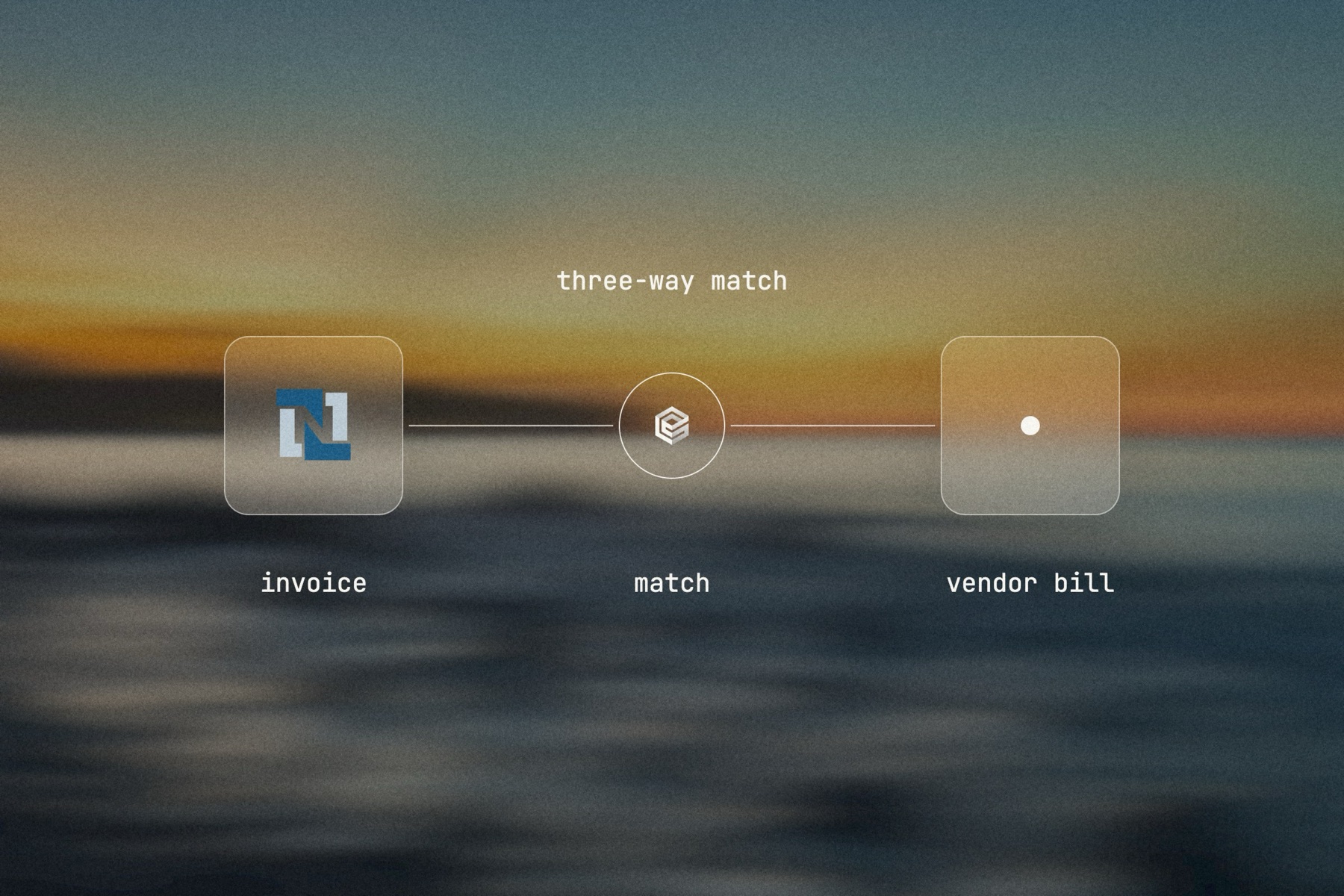
Blurred landscape photo with the NetSuite logo, the engini mark and a thin line, labeled read only: question, MCP server, answer

Editorial image: a question, answered from NetSuite.

Claude Code: install once
/plugin marketplace add engini/skills
/plugin install skills@engini
Then ask for this solution
Build a workflow in my engini account that I can call from Claude over MCP: given a customer name, read that customer's open invoices and their last five sales orders from NetSuite and return a short summary with numbers, dates and amounts.
  1. You need an engini account, the engini CLI (npm i -g @engini/cli) and a workspace-scoped API key, ideally a dedicated least-privilege one.
  2. Connect the systems this flow uses in engini first. Flo never creates or changes a connection and never handles your key; it tells you which command to run.
  3. Flo checks your login and workspace, searches the tool catalog, compiles the plan and shows a proposal table with every step. It creates the workflow only when you approve that proposal, and it creates it turned off.
  4. Open it in the engini designer, fill anything it left for you, and turn it on.
engini skills for Claude Code and Codex →
What the skill will never do on its own →
[ 05 / Agent Policy ]

The agent does only what you allow. Every run is on the record.

Agent Policy is how you govern agents in engini: the tools each agent may call, the account each tool uses, and a record of every call.

Toolsets

Scope every call

Hand the agent a toolset: only the tools it needs, each on the connection you choose, for example read only. engini enforces it on the server for CLI, SDK and REST API calls; a call outside the toolset is refused. An MCP server exposes only the connections and tools chosen when you set it up.

Identity

Acts with the account you connect

engini acts with the permissions of the connected account. Connect a person’s own account and it acts as that person; use a shared integration account and it acts as that account. Every run is recorded under the user who triggered it.

Audit

History and audit log

Each tool call and workflow run is recorded in History and the audit log, which supports export and streaming to your SIEM. Your agent never needs your credentials: engini stores them and adds them when it runs each call.

SOC 2 Type IIISO 27001GDPRHIPAA compliant
[ 06 / Try it now ]

Build it on your own data today

Start free, connect NetSuite, and build this flow with the engini skill, in Workflow Studio, or from your own agent.

  • 01Workflow Studio. Build the flow on a visual canvas, with an AI agent step where judgment is needed. Start free →
  • 02Your own agent. Give Claude, ChatGPT or Cursor an engini MCP server with only these tools. MCP client setup →
  • 03The engini skill. Ask Flo in Claude Code or Codex and review its proposal. Install the skill →
[ 07 / Questions ]

Questions buyers ask before they start

Can Claude or ChatGPT read NetSuite?

Yes, through an engini MCP server that exposes only the NetSuite tools you choose. The client signs in through engini over OAuth, and the NetSuite role behind the connection still applies.

Can we keep it read only?

Yes. Expose only get tools on the MCP server and use a NetSuite role that cannot change records. Both limits apply.

How is this different from Oracle’s NetSuite AI connector?

Oracle’s connector covers one NetSuite account. engini lets the same assistant reach NetSuite and your CRM, inbox and other systems under one set of controls, with every call recorded.

Does the assistant see our NetSuite tokens?

No. Your agent never needs your credentials: engini stores them and adds them when it runs each call.

Can IT see who is using it?

Yes. engini shows who uses each of its MCP servers and records every run under the user who triggered it, in an audit log that supports export and SIEM streaming.